
Best PDF Workplace Guide for Businesses and Remote Teams
Whether you’re managing employee records, sharing business proposals, or collaborating with remote teams, documents are at the center of almost every workplace activity. While many file formats are available today, PDF remains the preferred choice for organizations that need consistency, security, and professional presentation. Unlike editable documents that may appear differently across devices, PDFs preserve formatting and ensure that every recipient sees the same content regardless of the software or operating system they use.
A modern PDF workplace is more than simply creating and sharing PDF files. It represents a structured approach to handling digital documents throughout their lifecycle. Businesses rely on PDFs to exchange contracts, distribute training materials, archive important records, and streamline communication across departments. As hybrid and remote work continue to shape the way organizations operate, the importance of reliable document management has only grown.
Practical business needs drive the widespread adoption of PDF technology. Organizations want documents that are easy to access, difficult to alter without permission, and simple to share internally and externally. Features such as password protection, digital signatures, searchable text, and cloud integration have transformed PDFs from static files into powerful business assets that support collaboration and compliance.
This guide explores what a PDF workplace is, why it has become an essential part of modern business operations, and how organizations use PDF documents to improve productivity, security, and efficiency. Whether you’re a business owner, HR manager, freelancer, or part of a growing team, understanding how PDFs fit into today’s workplace can help you manage information more effectively.
What Is a PDF Workplace?
A PDF workplace is a work environment in which PDF documents serve as the primary format for creating, sharing, storing, and managing business information. Instead of relying on paper files or multiple document formats, organizations standardize their workflows around PDFs because they offer consistency, compatibility, and long-term reliability.
The concept extends beyond simply saving files as PDFs. It includes the entire document management process, from creating reports and collecting signatures to securing confidential information and archiving business records. In many organizations, PDFs are integrated with cloud storage platforms, document management systems, and collaboration tools, allowing employees to access files securely from virtually anywhere.
One of the biggest reasons businesses choose PDFs is their ability to preserve formatting. A contract created on one computer will appear the same when opened on another device, regardless of the operating system or software version. This eliminates formatting issues that often occur with editable documents and ensures a professional experience for both internal teams and external clients.
A PDF workplace also supports secure collaboration. Employees can review documents, leave comments, approve revisions, and digitally sign agreements without printing or scanning paperwork. This not only speeds up business processes but also reduces administrative work and supports a more efficient, paperless office.
As businesses continue to embrace digital transformation, PDF-based workflows have become a practical solution for maintaining organized records while improving accessibility and reducing operational costs.
Why PDFs Are Important in the Workplace
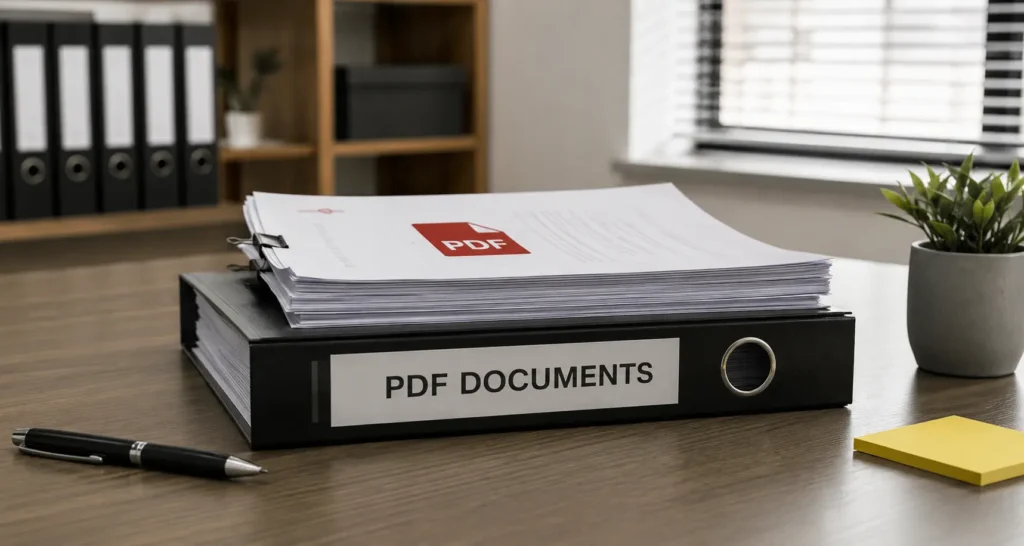
Every organization depends on documents to communicate, make decisions, and maintain accurate records. Choosing the right file format directly affects productivity, collaboration, and security. PDFs have remained the industry standard because they solve many of the challenges associated with document sharing and long-term storage.
One of their greatest strengths is consistency. Business reports, proposals, invoices, and contracts retain the same appearance regardless of where they are opened. Fonts, images, layouts, and formatting remain intact, reducing confusion and preventing accidental changes that could affect important information.
Security is another major advantage. Many workplace documents contain sensitive data, including employee information, financial records, legal agreements, and confidential business strategies. PDF files support encryption, password protection, permission controls, and digital signatures, allowing organizations to protect sensitive information while maintaining controlled access.
Collaboration has also improved significantly through PDF technology. Modern PDF editors allow multiple team members to review documents, add comments, highlight sections, and suggest revisions without altering the original content. This makes document reviews faster and more organized, especially for distributed teams working across different locations.
The shift toward remote and hybrid work has further increased the value of PDFs. Employees need reliable access to documents from laptops, tablets, and smartphones without worrying about compatibility issues. Because PDFs work consistently across virtually every platform, they provide a dependable solution for teams that collaborate across different devices and operating systems.
In addition, many industries require organizations to maintain records for legal, financial, or regulatory purposes. PDF files are widely accepted for long-term archiving because they preserve document integrity while remaining accessible for years. This makes them an ideal choice for businesses that need dependable record management and compliance support.
Common Types of Workplace PDF Documents
PDF documents are used throughout nearly every department in an organization. Their flexibility allows businesses to standardize document sharing while ensuring consistency across different workflows.
Human resources teams frequently use PDFs for employee handbooks, onboarding documents, company policies, performance evaluations, and training manuals. These files provide employees with clear, professional documentation while reducing the need for printed materials.
Finance departments rely on PDFs to distribute invoices, purchase orders, expense reports, tax documents, and financial statements. Since formatting remains unchanged, stakeholders can review financial information exactly as intended without worrying about accidental edits.
Legal and administrative teams depend on PDFs for contracts, non-disclosure agreements, compliance documents, and official correspondence. Digital signature capabilities have made it possible to complete approval processes electronically, saving valuable time while maintaining document authenticity.
Sales and marketing professionals often create proposals, product catalogs, case studies, presentations, and client reports in PDF format. These documents maintain a polished appearance regardless of the recipient’s device, helping businesses present information professionally.
Operations teams use PDFs to document standard operating procedures, safety guidelines, quality assurance manuals, inspection reports, and workflow documentation. Keeping these materials in a consistent format makes them easier to distribute, update, and archive across departments.
Educational institutions, healthcare organizations, government agencies, and nonprofit organizations also rely heavily on PDF documents for forms, applications, reports, certificates, and official publications. Their universal compatibility makes them suitable for sharing information with employees, clients, partners, and the public.
Regardless of the industry, PDFs have become an essential part of daily business operations. Their ability to combine professional formatting, secure sharing, and long-term accessibility explains why they continue to play a central role in modern workplaces.
Benefits of Using PDFs in the Workplace
Organizations are constantly looking for ways to improve efficiency without compromising accuracy or security. While countless productivity tools have entered the market over the years, the PDF format continues to be one of the most reliable solutions for managing business documents. Its versatility makes it valuable for businesses of all sizes, from startups and small teams to large enterprises handling thousands of files every day.
One of the biggest advantages of using PDFs is consistency. Business documents often contain carefully designed layouts, tables, charts, images, and branding elements that must remain intact when shared with others. Unlike editable file formats that may display differently depending on the software or device, PDFs preserve the original appearance of a document. This ensures that clients, employees, and business partners always view the information exactly as intended.
PDFs also improve collaboration across departments. Modern PDF software allows multiple users to review the same document, leave comments, highlight important sections, and suggest edits without changing the original file. This creates a more organized review process and minimizes confusion that often occurs when several versions of the same document are shared through email.
Another major benefit is enhanced document security. Businesses frequently handle confidential information, including employee records, customer data, financial reports, and legal agreements. PDF files support password protection, encryption, permission settings, and digital signatures, helping organizations control who can access, edit, print, or distribute sensitive documents. These security features reduce the risk of unauthorized changes while protecting valuable business information.
Cost savings are another reason many companies rely on PDF-based workflows. By replacing paper documents with digital files, businesses can reduce printing, storage, and mailing expenses. Employees spend less time searching for physical paperwork, while organizations benefit from faster document retrieval and simplified record management. As companies continue moving toward paperless operations, PDFs play a central role in improving both sustainability and operational efficiency.
Long-term accessibility is equally important. Many industries are required to retain business records for several years to meet legal or regulatory requirements. PDFs are designed to remain readable over time, making them a dependable format for archiving contracts, financial statements, compliance records, and historical business documents.
Essential Features Every Workplace PDF Solution Should Offer
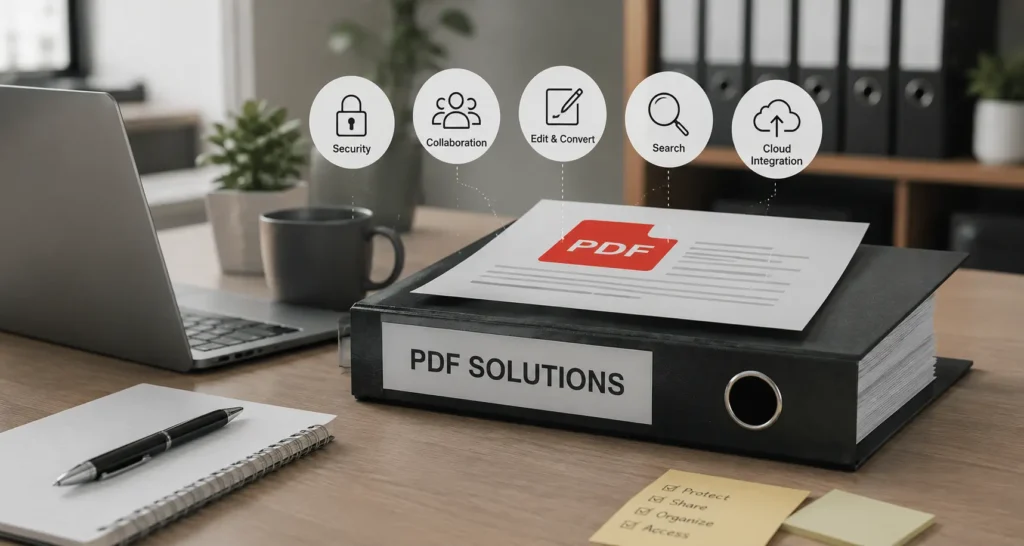
Not every PDF application offers the same capabilities. While basic readers allow users to open and view documents, modern workplaces require much more than simple file viewing. Choosing a PDF solution with the right features can significantly improve productivity and streamline everyday business operations.
Editing capabilities are among the most valuable features for any organization. Instead of recreating an entire document after finding a small error, employees should be able to modify text, replace images, update tables, and rearrange pages directly within the PDF. This saves time and reduces unnecessary work, especially when dealing with frequently updated documents.
Annotation and review tools have also become essential for collaborative environments. Team members should be able to leave comments, highlight important information, add notes, and track revisions without altering the original content. These features simplify document reviews and allow feedback to remain organized throughout the editing process.
Digital signature functionality has transformed the way businesses approve documents. Rather than printing, signing, scanning, and emailing paperwork, organizations can complete agreements electronically in just a few clicks. This accelerates approval processes while maintaining document authenticity and supporting legally recognized electronic signatures in many jurisdictions.
Searchability is another feature that greatly improves workplace efficiency. Optical Character Recognition (OCR) technology converts scanned documents into searchable text, allowing employees to quickly locate information within contracts, invoices, reports, and archived files. Instead of manually reviewing hundreds of pages, users can find specific terms almost instantly.
Cloud integration has become increasingly important as remote and hybrid work continue to grow. A reliable PDF solution should integrate seamlessly with popular cloud storage platforms, allowing employees to access documents securely from multiple devices while maintaining version control. This ensures everyone works from the most recent file, reducing duplication and improving collaboration.
Additional capabilities such as document compression, file conversion, page organization, form creation, and password protection further enhance workplace productivity. When combined, these features create a complete document management solution that supports both daily operations and long-term business growth.
Best PDF Tools for Workplace Productivity
The growing demand for digital document management has led to the development of numerous PDF applications, each designed to address different business needs. Selecting the right tool depends on factors such as company size, budget, collaboration requirements, and the complexity of daily workflows.
Adobe Acrobat remains one of the most comprehensive PDF solutions available. It offers advanced editing, document comparison, electronic signatures, OCR technology, cloud collaboration, and enterprise-level security. Its extensive feature set makes it a preferred choice for organizations that manage large volumes of business documents or require sophisticated document workflows.
Foxit PDF Editor is another popular option for businesses seeking powerful editing capabilities with strong performance. It provides document editing, collaboration tools, digital signatures, and security features while maintaining a user-friendly interface. Many organizations choose Foxit because it delivers enterprise-grade functionality with flexible licensing options.
Nitro PDF has established itself as a productivity-focused solution for business users. It includes editing tools, electronic signatures, document conversion, and cloud-based collaboration features designed to simplify everyday document management. Its familiar interface also helps reduce the learning curve for employees transitioning from traditional office software.
Smallpdf has gained popularity among freelancers, startups, and small businesses because of its simplicity and cloud-first approach. Users can compress files, merge documents, convert between formats, edit PDFs, and collaborate online without requiring extensive technical knowledge. For organizations with straightforward document needs, it offers a convenient and accessible solution.
PDFgear has also emerged as a capable alternative for individuals and businesses looking for a feature-rich PDF editor. It provides editing, annotation, OCR, conversion, and AI-assisted document capabilities while maintaining an intuitive user experience.
Ultimately, no single PDF application is ideal for every workplace. Organizations should evaluate their document volume, collaboration requirements, security standards, and budget before selecting a solution. The right software should simplify workflows, improve efficiency, and support secure document management without adding unnecessary complexity.
How to Manage Workplace PDFs Efficiently
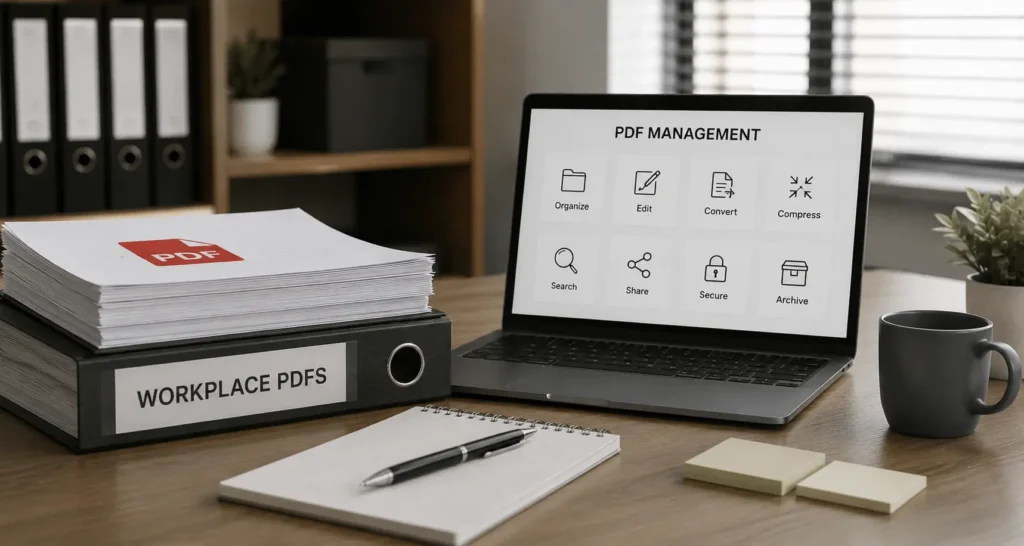
Creating PDF documents is only one part of an effective document workflow. The real value comes from managing those files in a way that keeps them organized, secure, and easy to access. As businesses grow, the number of documents they generate increases rapidly. Without a structured management system, employees can spend valuable time searching for files, working with outdated versions, or accidentally sharing sensitive information.
A well-organized folder structure is the foundation of efficient PDF management. Documents should be categorized by department, project, client, or document type so employees can locate the information they need without unnecessary delays. Consistent file naming conventions also make a significant difference. Including relevant details such as dates, project names, or version numbers helps prevent duplicate files and reduces confusion during collaboration.
Cloud-based document storage has become an essential component of modern workplaces. Instead of storing files on individual devices, organizations can centralize their documents in secure cloud environments where authorized team members can access the latest versions from anywhere. This approach supports remote work while reducing the risk of data loss caused by hardware failures or accidental deletion.
Version control is equally important when multiple employees contribute to the same document. Maintaining a single source of truth ensures everyone works with the most recent file, eliminating conflicting edits and unnecessary revisions. Combined with regular backups and permission-based access, version control helps businesses maintain accurate and reliable records throughout the document lifecycle.
PDF Security Best Practices for Businesses
Protecting business documents has never been more important. Organizations routinely store confidential information, including financial records, employee data, customer contracts, and strategic business plans. Even a single security incident can lead to financial losses, legal complications, and reputational damage.
Password protection provides a basic layer of security by restricting unauthorized access to sensitive files. However, businesses should also implement encryption whenever confidential information is shared internally or externally. Encryption ensures that documents remain unreadable to anyone without the appropriate authorization, even if the files are intercepted during transmission.
Permission settings add another level of control by allowing organizations to determine who can edit, print, copy, or comment on a document. These restrictions help preserve document integrity while preventing unauthorized modifications.
Digital signatures have become increasingly valuable for verifying document authenticity. Unlike handwritten signatures that can be difficult to validate electronically, digital signatures provide a secure method of confirming both the identity of the signer and the integrity of the document. This makes them particularly useful for contracts, agreements, and compliance-related paperwork.
Businesses should also review access permissions regularly. Employees who no longer require certain documents should have their permissions updated or removed to minimize unnecessary exposure. Combined with employee awareness training and regular security audits, these practices create a stronger defense against both accidental and intentional data breaches.
Common Workplace PDF Challenges
Although PDFs offer numerous advantages, they are not without limitations. Understanding these challenges allows organizations to develop workflows that minimize disruptions and improve productivity.
Large file sizes are one of the most common issues, especially when documents contain high-resolution images, graphics, or scanned pages. Oversized files can slow email delivery, consume storage space, and reduce overall efficiency. Compressing PDFs before sharing helps maintain quality while making documents easier to distribute.
Editing can also present challenges, particularly when the original source file is unavailable. While modern PDF editors have significantly improved editing capabilities, complex layouts may still require additional adjustments after modifications are made.
Scanned documents introduce another obstacle. Image-based PDFs cannot be searched unless Optical Character Recognition (OCR) technology converts the content into machine-readable text. Without OCR, locating specific information inside lengthy documents becomes time-consuming and inefficient.
Compatibility issues occasionally arise when documents are opened using outdated software or unsupported applications. Although the PDF format is designed for universal accessibility, organizations should ensure employees use reliable and up-to-date PDF solutions to avoid display or functionality problems.
Finally, poor document organization often creates unnecessary inefficiencies. Duplicate files, inconsistent naming conventions, and outdated versions can make it difficult for employees to identify the correct document. Establishing standardized document management practices significantly reduces these challenges and improves day-to-day productivity.
Conclusion
PDFs have evolved far beyond being simple digital copies of printed documents. They now serve as the foundation of modern document management, enabling organizations to create, share, secure, and archive information with confidence. Their ability to preserve formatting, support collaboration, protect sensitive data, and integrate with cloud-based workflows makes them an indispensable part of today’s digital workplace.
Whether you’re running a small business or managing document processes for a large enterprise, adopting effective PDF workflows can improve productivity, reduce administrative overhead, and strengthen information security. By selecting the right PDF tools, implementing clear document management practices, and following established security guidelines, organizations can build a more efficient and reliable workplace that supports long-term growth.
As digital transformation continues to reshape the business landscape, PDFs will remain one of the most trusted and widely used formats for professional communication. Investing in smarter PDF workflows today can help businesses stay organized, collaborative, and prepared for the evolving demands of tomorrow’s workplace.
FAQs
What is a PDF workplace?
A PDF workplace is a work environment where PDF documents are used as the primary format for creating, sharing, managing, and storing business information. It helps organizations maintain consistent formatting, improve collaboration, and secure important documents throughout their lifecycle.
Why do businesses prefer PDF files over other document formats?
Businesses prefer PDFs because they preserve document formatting across all devices, offer advanced security features, support digital signatures, and are compatible with virtually every operating system. These advantages make them ideal for professional communication and long-term document storage.
Which industries benefit the most from PDF workplace solutions?
Almost every industry benefits from PDF-based workflows, including healthcare, education, finance, legal services, government, manufacturing, real estate, and technology. Any organization that regularly creates, shares, or archives documents can improve efficiency by using PDFs.
Are PDF files secure enough for confidential business documents?
Yes. Modern PDF files support password protection, encryption, access permissions, and digital signatures, making them suitable for handling sensitive business information. When combined with proper security policies and employee training, PDFs provide a strong level of document protection.
What features should I look for in workplace PDF software?
A reliable workplace PDF solution should include editing tools, annotation features, OCR, digital signatures, document conversion, cloud storage integration, file compression, permission controls, and strong security capabilities. These features help organizations manage documents more efficiently while supporting collaboration and compliance.
➾ If you’re saving this, you’ll want more. Follow Tech Statar.