
What Is M365? A Simple Guide to Microsoft 365
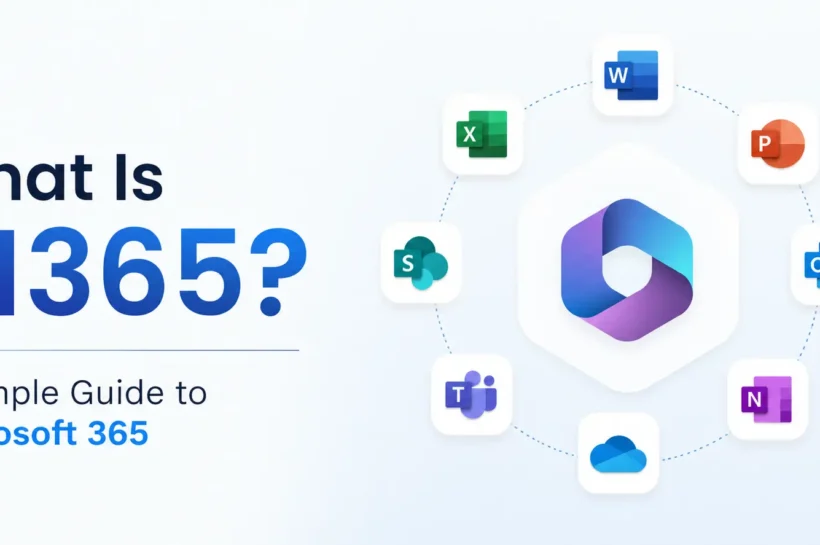
Microsoft 365, often shortened to M365, is Microsoft’s cloud-based productivity platform that brings together familiar Office applications, cloud storage, communication tools, collaboration services, and business capabilities under one ecosystem. Instead of using separate software for documents, email, meetings, file sharing, and teamwork, Microsoft 365 connects these services through a single account and subscription.
For individuals, M365 can provide everyday tools such as Word, Excel, PowerPoint, Outlook, OneDrive, and OneNote. For organizations, it can also include services such as Microsoft Teams, SharePoint, Exchange Online, and a range of security and management features. The exact combination depends on the Microsoft 365 plan.
What Is M365?
M365 stands for Microsoft 365. It is a subscription-based collection of Microsoft applications and cloud services designed to help people create, store, communicate, and work together.
At its most basic level, Microsoft 365 gives users access to productivity applications such as Word for documents, Excel for spreadsheets, and PowerPoint for presentations. But the platform goes beyond the traditional Office software package. Cloud services such as OneDrive and SharePoint handle file storage and sharing, while Teams supports communication and collaboration.
This broader approach is one reason Microsoft changed the Office 365 name to Microsoft 365. Microsoft describes the change as a way to better reflect the wider range of features and benefits available within the subscription.
The important point is that M365 is not simply a collection of desktop applications. It is an ecosystem where different services work together. A document created in Word, for example, can be stored in OneDrive, shared with another person, and edited collaboratively. In a business environment, files can also be stored in SharePoint and accessed through Microsoft Teams.
What Does M365 Include?
The applications and services included with Microsoft 365 vary by subscription, so there is no single package that contains every Microsoft service. Business and enterprise plans can differ significantly in the applications, security features, and management capabilities they provide.
The core experience usually starts with Microsoft’s well-known productivity applications. Word, Excel, and PowerPoint are used for writing, data analysis, and presentations, while Outlook handles email and calendars. OneNote provides a digital workspace for notes and information.
Cloud storage is another major part of the platform. OneDrive provides personal work storage for individual users, allowing users to access files across supported devices and share them as needed. SharePoint, on the other hand, is designed more around shared organizational content, team sites, and collaboration.
For communication and teamwork, Microsoft Teams brings chat, meetings, and collaboration into one environment. Teams also connects with other Microsoft 365 services, including SharePoint, which means files shared within Teams can be stored through SharePoint behind the scenes.
Some Microsoft 365 plans also include additional services for security, identity, compliance, analytics, and device management. Enterprise plans, for example, can provide significantly broader capabilities than basic productivity subscriptions.
How Does Microsoft 365 Work?
Microsoft 365 works primarily through a cloud-based subscription model. Users sign in with a Microsoft account or organizational account and access the services included with their license. Many applications can be used through a web browser, while supported plans also provide desktop applications that are installed directly on Windows or Mac computers. Microsoft 365 apps are also available on supported mobile platforms.
The cloud component becomes especially useful when files and services need to remain accessible across multiple devices. A user can work on a document on a computer, store it in OneDrive, and continue working on it from another supported device. Microsoft 365 also supports file synchronization and collaboration, allowing people to work on shared content without relying entirely on local storage.
At the same time, being cloud-based does not mean every Microsoft 365 application runs entirely in the cloud. Microsoft explains that desktop versions of Microsoft 365 applications are installed locally, while cloud services provide connected features, storage, synchronization, and online access.
This combination of installed applications and cloud services is what makes M365 more than a traditional Office suite. It connects productivity software with the infrastructure people need to communicate, share information, and collaborate in modern work and learning environments.
What Is M365 Used For?
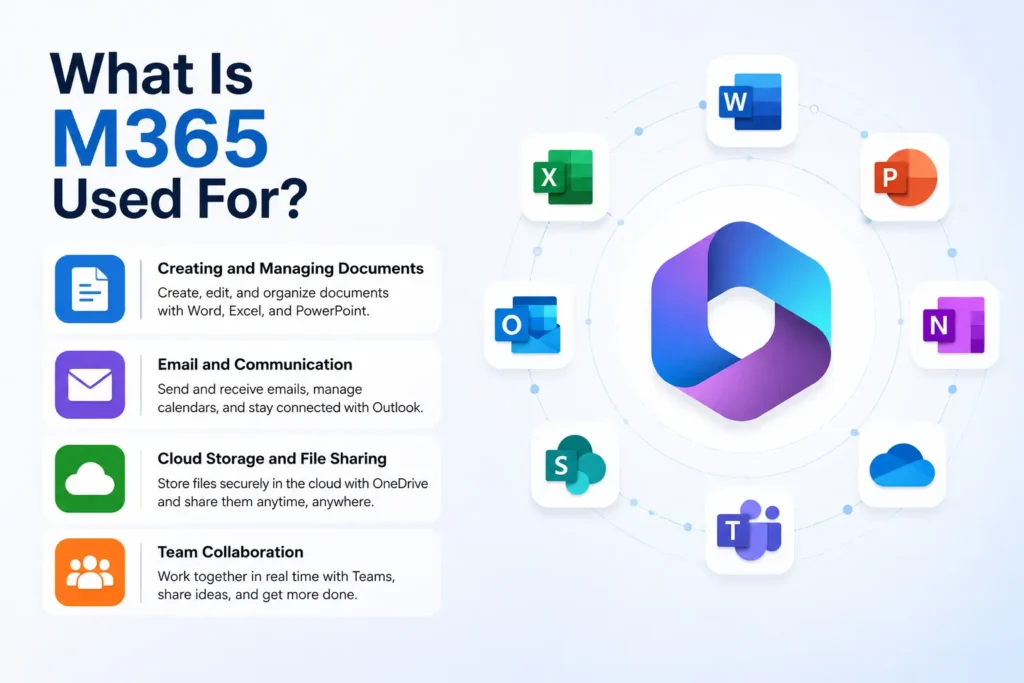
Microsoft 365 is designed to bring everyday productivity, communication, file management, and collaboration into one connected environment. Instead of moving between unrelated services, users can create documents, communicate with colleagues, store files, and work together through Microsoft’s integrated applications.
For a personal user, M365 can cover common tasks such as writing documents, preparing presentations, managing email, organizing notes, and storing files in the cloud. Microsoft’s consumer plans combine Office applications with OneDrive storage and other features designed for use across devices.
For businesses, the use cases are much broader. Microsoft 365 can support remote work, shared files, online meetings, team communication, document collaboration, and centralized administration. SharePoint and OneDrive, for example, are used for personal and shared file storage, while Teams provides a central space for communication and teamwork.
Creating and Managing Documents
One of the most familiar uses of M365 is creating and editing content with applications such as Word, Excel, and PowerPoint. These tools remain central to the platform, but their value increases when they are connected to Microsoft 365’s cloud services.
A document can be stored in OneDrive or SharePoint instead of remaining only on a local computer. That makes it easier to access, share, and collaborate on the same file. Microsoft 365 applications also support collaboration features such as coauthoring, allowing multiple people to work on supported documents.
Email and Communication
Microsoft 365 is also widely used for business communication. Outlook provides email and calendar functionality, while Microsoft Teams adds chat, meetings, and other collaboration features.
This is particularly useful for organizations with remote or hybrid teams. Employees can communicate, hold meetings, share files, and continue project discussions without relying on several disconnected platforms.
Cloud Storage and File Sharing
Cloud storage is another important part of M365. OneDrive is primarily intended for an individual user’s work files, while SharePoint is designed for shared organizational content and team collaboration.
The distinction is useful because not every file needs to belong to a team. Personal working documents can remain in OneDrive until they need to be shared, while files that multiple people need to access can be placed in a SharePoint library.
Microsoft Teams is closely connected to this system. Files uploaded to standard Teams channels are stored in the associated SharePoint site, creating a connected environment for communication and document collaboration.
Team Collaboration
M365 is particularly valuable when several people need to work on the same information. Teams, SharePoint, OneDrive, and the Microsoft 365 applications are designed to work together rather than operate as isolated products.
For example, a team can discuss a project in Teams, store its shared files in SharePoint, and edit a Word or Excel document collaboratively. This reduces the need to send multiple file versions back and forth and gives team members a common place to access current information.
What Are the Benefits of Microsoft 365?
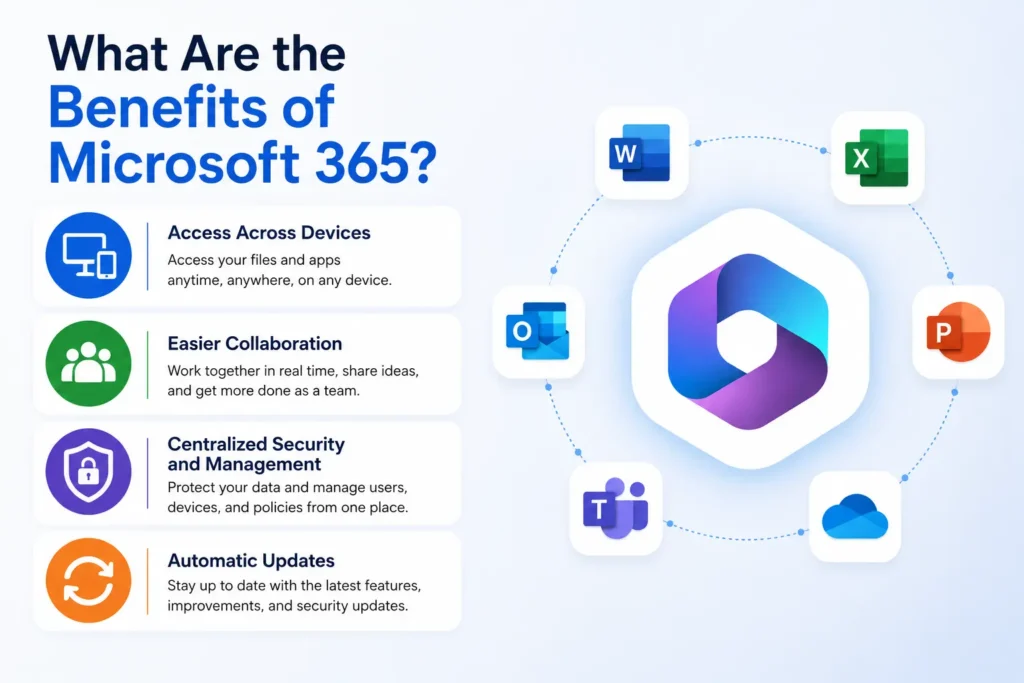
The main advantage of Microsoft 365 is not simply the number of applications it provides. Its value comes from how those applications and cloud services connect.
Access Across Devices
Microsoft 365 is built for use across supported computers, browsers, tablets, and smartphones. Users can access their files and services from different devices, while OneDrive can synchronize files between the Microsoft 365 cloud and a local computer.
This makes it easier to continue work when moving between locations or devices.
Easier Collaboration
Traditional desktop software often required users to save files locally and send copies to other people. Microsoft 365 takes a more collaborative approach by connecting applications with cloud storage and sharing services.
Word, Excel, and PowerPoint support collaborative features, while SharePoint and OneDrive provide the underlying storage and sharing capabilities.
Centralized Security and Management
For organizations, Microsoft 365 can also provide tools for controlling access to data and devices. Administrators can apply sharing policies, restrict access from unmanaged devices, monitor activity, and use additional security controls depending on their licensing and configuration.
This makes M365 more suitable for business environments where protecting company information is just as important as making that information accessible.
Automatic Updates
Microsoft 365 subscriptions can provide continually updated versions of the Microsoft 365 desktop applications. Instead of relying on a permanently fixed version of Word, Excel, or PowerPoint, users receive ongoing feature and security updates according to Microsoft’s servicing model.
That subscription model is a major difference between Microsoft 365 and older versions of standalone Office software.
Overall, M365 is best understood as a connected productivity ecosystem. Its applications handle everyday work, while cloud storage, collaboration, communication, security, and administration extend that functionality beyond traditional Office software.
Microsoft 365 vs Office 365: What Is the Difference?
The terms Microsoft 365 and Office 365 are often used interchangeably, but they are not always referring to the same thing.
Office 365 originally focused on Microsoft’s productivity applications and related cloud services. Microsoft introduced the Microsoft 365 branding in 2020 to represent a broader set of capabilities built around productivity, collaboration, security, and device management. The exact features still depend on the plan a user chooses.
In simple terms, Office 365 is generally associated with the productivity and collaboration services, while Microsoft 365 can include those services alongside additional security, management, and other capabilities. Microsoft’s current plan structure also shows that some subscriptions are still specifically branded Office 365, while others use Microsoft 365.
That means the difference is not simply “old software versus new software.” The names describe different subscription families and scopes, and the features available can vary considerably between plans.
How Is Microsoft 365 Different From Microsoft Office?
Microsoft 365 is primarily offered as a subscription, while traditional Microsoft Office products can be purchased as standalone, one-time licenses.
With Microsoft 365, users can receive access to supported desktop and web applications, cloud services, ongoing feature improvements, and online storage depending on their plan. Standalone Office products are tied to a specific purchased version rather than the broader Microsoft 365 subscription ecosystem.
The distinction is important because someone looking only for Word, Excel, and PowerPoint may have different requirements from a business that needs email, cloud storage, Teams, security controls, and centralized management.
Microsoft 365 also gives organizations more room to choose plans based on their needs. Microsoft currently offers different business and enterprise subscriptions, with some providing desktop applications while others focus more heavily on web-based services.
Who Uses Microsoft 365?
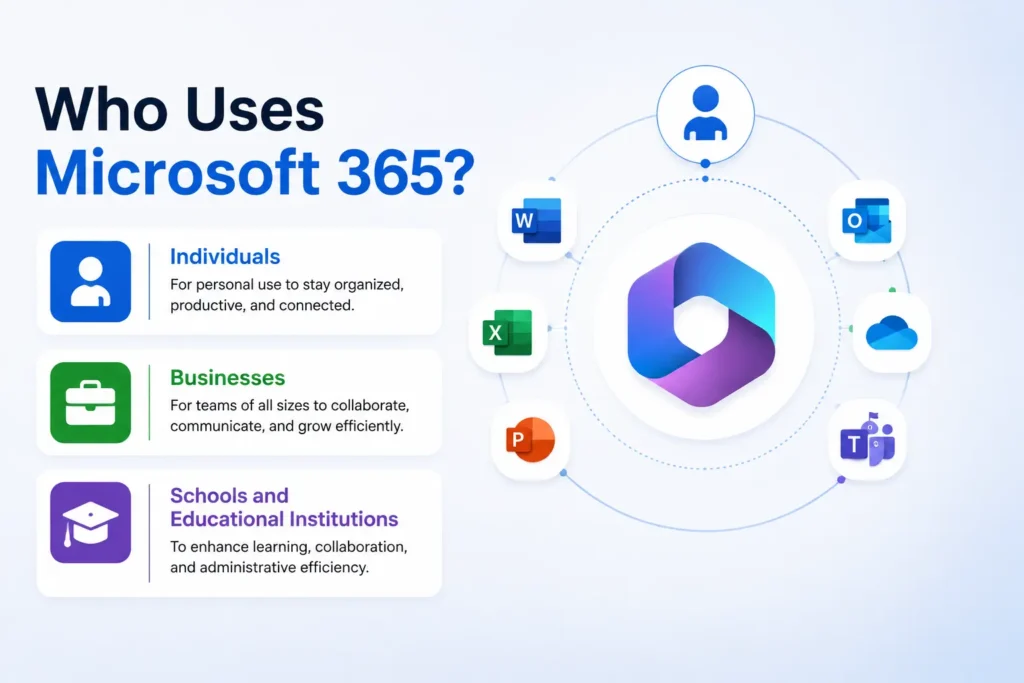
Microsoft 365 is used by a wide range of users, from individuals managing everyday documents to large organizations handling communication, collaboration, and security across thousands of employees.
Individuals
For individual users, Microsoft 365 can bring together common tools for documents, spreadsheets, presentations, email, notes, and cloud storage. The main benefit is having these services connected through one account rather than managing several separate tools.
Businesses
Businesses often use M365 as a broader workplace platform. Employees can communicate through Teams and Outlook, create content in Word and Excel, store files in OneDrive or SharePoint, and collaborate on shared documents.
Larger organizations can also use Microsoft 365 plans that provide additional identity, device, security, and compliance capabilities. The available features depend on the selected subscription.
Schools and Educational Institutions
Educational organizations can also use Microsoft 365 to support teaching, communication, file sharing, and collaboration. The education plans are structured separately, so the available services depend on the institution’s licensing arrangement.
Is Microsoft 365 Worth It?
Whether Microsoft 365 is worth paying for depends largely on what you need from it.
For someone who only wants basic document editing and does not need cloud storage, collaboration, or subscription-based features, a standalone Office product may be enough. On the other hand, users who regularly work across devices, store files online, collaborate with others, or need connected communication tools may get more value from Microsoft 365.
For businesses, the decision is broader. M365 can bring productivity applications, communication, cloud services, and administration into one environment. More advanced plans can also add security, identity, compliance, and device management features.
The right choice therefore comes down to the applications, services, storage, and management features a user or organization actually needs.
Frequently Asked Questions About M365
What does M365 stand for?
M365 is a common abbreviation for Microsoft 365, Microsoft’s subscription-based ecosystem of productivity applications and cloud services.
Is M365 the same as Microsoft 365?
Yes. M365 is simply a shortened way of referring to Microsoft 365. You may see the abbreviation used in technical documentation, business discussions, and workplace environments.
Is Microsoft 365 the same as Office 365?
Not exactly. Office 365 refers primarily to Microsoft’s productivity and related cloud services, while Microsoft 365 is a broader product family that can include additional capabilities such as security and device management. However, some current subscriptions still carry the Office 365 name.
What apps are included in Microsoft 365?
The included applications depend on the subscription. Common apps include Word, Excel, PowerPoint, Outlook, OneDrive, OneNote, and Teams, but not every plan includes the same applications or services. Microsoft’s plan documentation lists the differences between individual, business, and enterprise offerings.
Do I need an internet connection to use Microsoft 365?
Microsoft 365 combines online services with applications that can be installed on a device. Some desktop applications can continue working offline, but an internet connection is required for many cloud-based features, synchronization, online services, and certain subscription-related functions. The exact experience can vary by application and plan.
Conclusion
So, what is M365? Microsoft 365 is a connected productivity and cloud-services platform that combines applications such as Word, Excel, PowerPoint, and Outlook with services for storage, collaboration, communication, and, depending on the plan, security and management.
Its biggest advantage is the way these services work together. A document can be created in Word, stored in OneDrive or SharePoint, shared with others, and discussed through Teams without leaving the broader Microsoft ecosystem.
That makes M365 more than a collection of Office applications. It is a platform designed to support the way individuals, teams, schools, and businesses create information, communicate, and work together today.
🤝 Follow Tech Statar if growth is your goal.