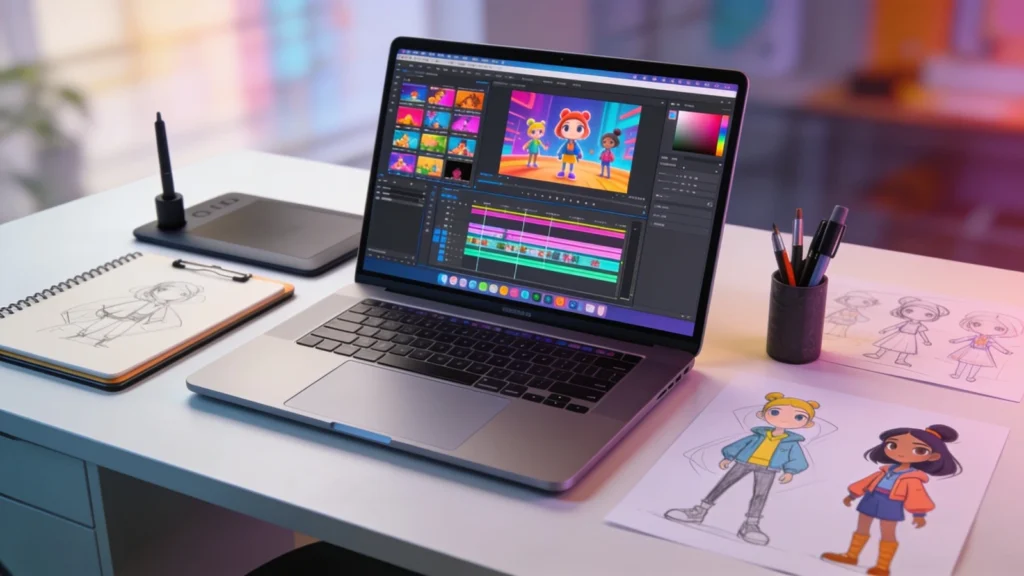

Animation Maker Free Online: No-Install Tools for Every Style
A free online animation maker runs in your web browser, so there’s nothing to install. Adobe Firefly’s AI animation generator turns images, sketches, or text prompts into 2D or 3D animated clips with free daily generations and no watermark, while browser editors handle hand-made, frame-by-frame, or interactive animation.
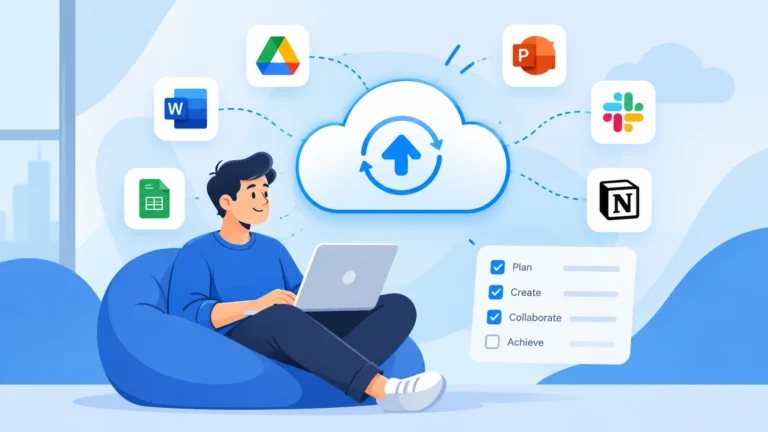
Picture a volunteer for a local animal shelter who wants a short animated video for an adoption drive: a cartoon puppy that wags its tail, a few words about upcoming events, and a final shot of the shelter’s logo. They’re working on a shared library computer that doesn’t allow software installs, and the budget for tools is zero. Browser-based animation makers solve both problems. The work happens online, files can be exported or saved to an account, and many tools offer a free plan that covers simple projects.
What “animation maker” means can vary a lot, though, and choosing the right one starts with the kind of animation you want. AI generators create motion from a description or image, which is fastest when you need a polished clip quickly. Frame-by-frame editors let you draw each pose yourself, which gives you full creative control. Interactive editors create animations that respond to clicks, hovers, or app data, which is useful for websites and apps. All three can run in a browser, but they suit very different projects, skill levels, and amounts of time.
Using an Animated Video Maker Free Online
Using an animated video maker free online is the quickest route when you want finished motion without drawing every frame.
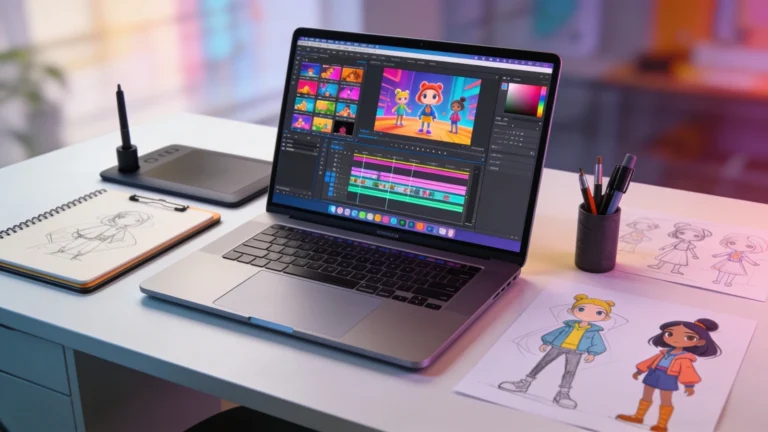
Adobe says Firefly’s AI animation generator works from an uploaded image, sketch, character design, or text prompt, and supports 2D, 3D, or a mix of both. You can choose resolution up to 4K and an aspect ratio for vertical social video or horizontal presentations. Adobe also says you can switch between Adobe’s video models and partner models to compare styles and types of motion.
For the shelter video, the volunteer could upload a simple puppy drawing and prompt it to wag its tail and tilt its head. Adobe says free accounts get free daily generations, and Firefly doesn’t add a watermark to animations. Clips can then be arranged with audio in Firefly’s video editing tools.
Best Free Online Animation Maker With No Download: Free Plan Comparison
The best free online animation maker with no download depends on whether you want AI-generated motion, hand-drawn animation, or interactive graphics. The table below compares three options and their free plans.
| Platform | Best for | Free plan details |
| Adobe Firefly | AI-generated 2D and 3D clips | Free daily generations with an Adobe account; up to 4K; no watermark; commercially safe Firefly video models |
| Rive | Interactive animation for apps and websites | Editor is free to use; open-source runtimes; exporting .riv files for apps requires a paid plan |
| Wick Editor | Frame-by-frame animation and simple games | Free and open source; runs entirely in the browser; exports GIF, MP4, HTML, and more |
For quick, polished clips, Firefly is the most direct choice. For learning traditional animation skills at no cost, Wick Editor is a strong pick, and Rive suits creators building interactive graphics.
Is the Rive Editor Free for Browser Animation?
Yes, the Rive Editor is free for browser animation, with an important limit around exporting.
Rive says the Editor is free to use, its runtimes are open source under the MIT license, and it has added unlimited personal files. Rive describes its free plan as the place to learn, experiment, and build within the Editor. A guide from ICS Media notes that Rive is available as a browser-based editor or a desktop app.
The key paid feature is export for production. Rive explains that it charges at the point of export, and its Cadet plan adds .riv exports for use in apps and products. Rive’s signature tool is its State Machine, which lets designers build interactive logic, like hover effects or button presses, inside the editor. That makes Rive best for animated interfaces and app graphics rather than simple video clips.
Wick Editor: Browser-Based Free Animation With No Download
Wick Editor offers browser-based free animation with no download, making it one of the most accessible tools for beginners and classrooms.
The Wick Editor describes itself as a free and open-source tool for creating games, animations, and everything in between. GameFromScratch notes that it runs entirely in the browser and is licensed under GPL v3, and that its design was inspired by Flash, HyperCard, and Scratch. The Newgrounds Wiki says it can export animated GIFs, MP4 video, HTML files, ZIP archives, WAV audio, PNG image sequences, and SVG images.
A training presentation from India’s Central Institute of Educational Technology highlights its layers and frame-by-frame animation, which makes it handy for creating animated lessons. For the shelter volunteer, Wick Editor would work well for a hand-drawn puppy, while Firefly would be faster for a polished, fully animated version.
FAQ
Do free online animation makers add watermarks?
It depends on the tool. Adobe says Firefly doesn’t add a watermark to animations. For other tools, export a test file and check each tool’s terms before publishing.
Can I use free animation tools on a Chromebook?
Browser-based tools generally work on any device with a modern browser. Firefly, Rive’s browser editor, and Wick Editor all run online without a software install.
Can I use Firefly animations commercially?
Adobe says outputs from its Firefly video models are commercially safe. If you start from an uploaded image, that image must not violate copyright, trademark, privacy, publicity, or other rights.