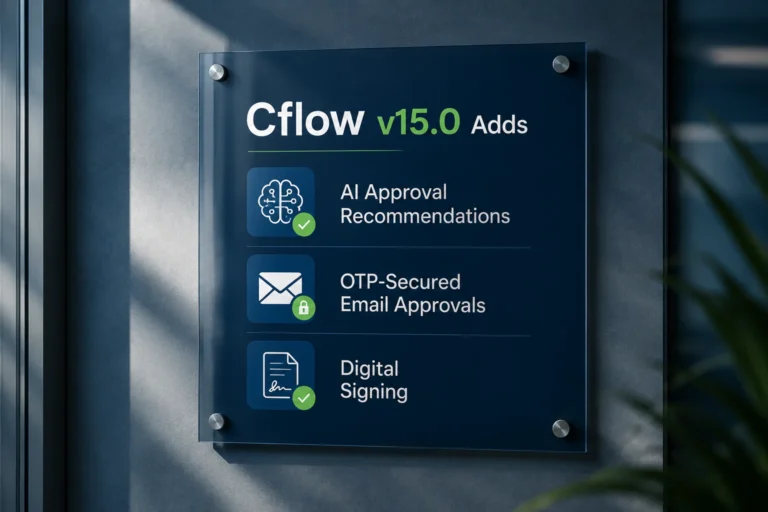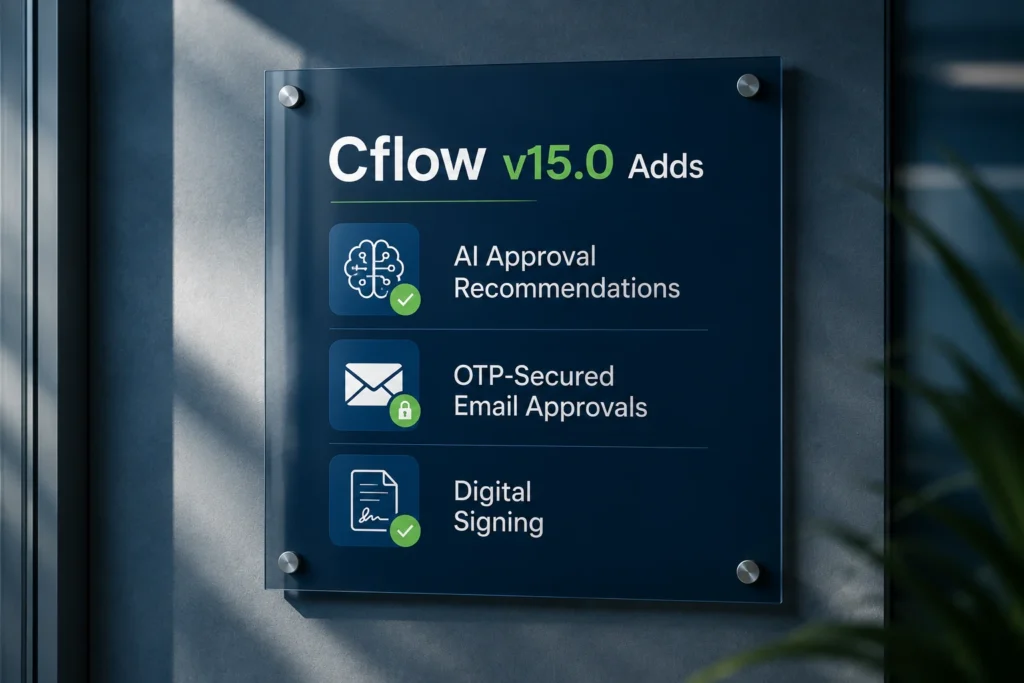

Cflow v15.0 Adds AI Approval Recommendations, OTP-Secured Email Approvals, and Digital Signing
Cflow, a no-code workflow automation platform serving finance, procurement, HR, and operations teams, today announced the launch of Cflow v15.0. The release delivers AI-assisted approval recommendations, OTP-secured email approvals, and a new digital signing module, extending Cflow’s role as the approval and governance layer organizations run alongside their core finance and operational systems.
The release reflects a broader shift in how enterprises are evaluating AI inside approval and compliance processes: not as a replacement for human sign-off, but as a layer of support that gives approvers faster context and more consistent recommendations. Cflow v15.0 advances that approach with new capabilities built directly into the approval workflow itself.
AI Agents Bring Approval Recommendations Into the Workflow
Cflow v15.0 introduces AI Agents, configurable from within the platform to analyze workflow data during execution and generate approval or rejection recommendations for approvers to review.
– Configured directly from the Connect module, AI Agents use custom prompts tied to specific workflows, stages, and execution events.
– AI output is mapped to a field inside the workflow form, so recommendations appear alongside the request itself.
– Reusable prompt templates allow the same AI logic to be applied across multiple workflows.
– Recommendations are advisory. Approvers still review the AI output and complete the approval action themselves.
For approval-heavy teams, this is aimed at reducing the time spent on manual first-pass review, particularly for high-volume request types where most decisions follow a consistent pattern.
AI Summary v2 Adds an Investigation Window Inside Every Request
AI Summary v2 introduces a dedicated AI assistant panel inside request details, giving approvers a summarized view of the request along with the ability to ask follow-up questions.
– Generates an AI summary of the request automatically when opened.
– Organizes insights into categorized tabs covering anomalies, risks, financial details, timelines, and key entities.
– Suggests follow-up questions as clickable chips, or accepts custom questions typed by the user.
– Keeps the conversation in a scrollable thread without requiring navigation away from the request.
This is built for the moments when an approver needs more context than the form alone provides, particularly on requests flagged for risk or unusual values.
OTP Validation Closes a Security Gap in Email Approvals
Cflow’s email-based approval flow now supports OTP verification, addressing a known risk with approvals: forwarded emails or shared mailboxes letting the wrong person approve a request.
– Approvers clicking Approve or Reject from an email are redirected to a secure approval page.
– If OTP verification is enabled in Admin Settings, an OTP is sent to the approver’s registered email address before the action can be submitted.
– Failed OTP attempts are limited to three retries, after which the approval link is invalidated, and the user must complete the action inside the application.
– OTP verification is configurable, so organizations can apply it selectively based on their risk tolerance.
This adds a verification step to email approvals without changing the overall workflow, closing a gap that has been a recurring concern for compliance and audit teams.
Cflow Sign Integrates Digital Signatures Into the Approval Process
Cflow v15.0 also debuts Cflow Sign, a new module for configuring reusable signing templates and managing document signing from request to final signature.
– Reusable Sleeve Templates define signer roles, signing order, and field placement on uploaded PDF documents.
– Supports both sequential and parallel signing workflows, depending on how an organization needs documents routed.
– Signers receive secure, signer-specific links and complete their assigned fields without needing a separate account.
– Once all required signers complete their actions, Cflow automatically generates the final signed PDF and stores the complete signing history.
For processes that end in a signed agreement, such as vendor contracts or onboarding paperwork, Cflow Sign keeps that final step inside the same system that managed the approval, rather than handing off to a separate signing tool.
Improved Email-Based Workflow Initiator
V15.0 also expands how users can create and manage requests directly through email, building on Cflow’s existing email-based workflow support.
– Workflow requests can be created automatically from incoming emails, with sender, subject, body, and attachments mapped to workflow fields.
– Users can reply to emails directly from the workflow’s Email tab using an inline, Gmail-style reply editor.-
– Sent replies are saved as .eml attachments and displayed alongside incoming emails in a single conversation thread.
– Original email details and attachments remain stored on the workflow record for audit purposes.
This feature reduces the need for users to leave Cflow or their email client to manage requests that originate from email.
Additional Enhancements and Security Updates
V15.0 includes more than a dozen additional product refinements, covering lookup field behavior, dropdown alignment, custom PDF generation, bulk import validation, and workflow cloning accuracy. The release also includes a set of security patches and the results of ongoing security audits across the platform.
Availability
Cflow v15.0 is now available to all Cflow customers at no additional cost. Full release details, including configuration steps for each new feature, are available at updates.cflowapps.com.
About Cflow
Cflow is a no-code workflow automation platform that gives finance, procurement, HR, and operations teams a governed approval layer for the processes that run their business. Rather than replacing core systems such as ERPs, accounting platforms, or CRMs, Cflow operates alongside them, managing approval routing, audit trails, and compliance for requests including purchase orders, invoices, CapEx, expense reimbursements, and employee onboarding.
Organizations including Tupperware, Godrej Capital, Habitat for Humanity International, BIC, and Fidelity United Insurance rely on Cflow to bring visibility and structure to processes that previously ran through email and spreadsheets.
🔷One post is never the full picture. Follow Tech Statar for the rest.