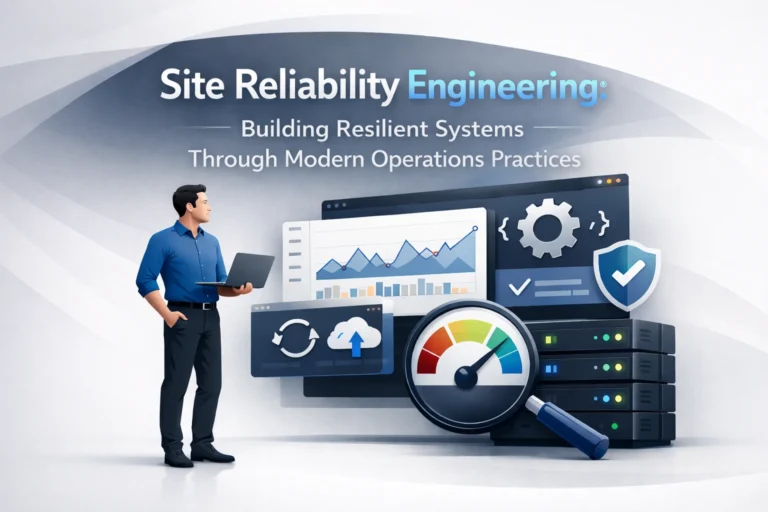

What is Corporate Software Inspection?
A corporate software inspector is responsible for reviewing, monitoring, and evaluating the software used inside an organization. This role focuses on ensuring that every application, tool, and system follows internal policies, licensing rules, and external regulations. Instead of reacting to problems later, a software inspector helps companies stay proactive. They look for unused software, licensing risks, security gaps, and compliance issues before they turn into costly problems. In simple terms, a corporate software inspector keeps a company’s software environment clean, compliant, and under control.
Understanding the Role of a Corporate Software Inspector
Definition and Core Responsibilities
The core role of a corporate software inspector is to oversee how software is acquired, deployed, and maintained across the organization. This includes tracking software assets, reviewing license compliance, identifying outdated or risky applications, and ensuring policies are followed. They work closely with IT, security, and compliance teams to reduce risk and improve efficiency. A strong inspector does not just report problems but helps fix them by recommending improvements and enforcing best practices.
Corporate Software Inspector vs Software Auditor
A software auditor usually works on a fixed schedule and focuses on compliance checks at specific points in time. A corporate software inspector, on the other hand, takes a continuous and proactive approach. Instead of waiting for audits, inspectors monitor software usage regularly and address issues early. Their goal is long-term control, not short-term reporting. This ongoing visibility helps organizations stay compliant all year, not just during audit periods.
Human Role vs Automated Inspection Tools
Human inspectors bring judgment, context, and strategic thinking, while automated tools handle large-scale scanning and data collection. Automated systems quickly detect vulnerabilities, license misuse, and shadow IT. However, humans interpret results, set priorities, and make decisions based on business impact. The most effective approach combines both. Automation handles speed and scale, while human inspectors ensure accuracy, alignment with business goals, and proper enforcement across teams.
Why Businesses Need a Corporate Software Inspector

Software Compliance and Regulatory Requirements
Software compliance is no longer optional for modern organizations. Industries like finance, healthcare, and SaaS face strict regulations around data protection and licensing. A corporate software inspector ensures all tools meet legal and contractual requirements. Regular inspections also help companies prepare for external audits with confidence instead of rushing at the last moment to fix compliance gaps.
Managing Software Risks and Cybersecurity Threats
Unmonitored software creates serious security risks. Outdated applications, unauthorized tools, and unpatched systems are common entry points for cyber attacks. A corporate software inspector identifies these risks early and works with security teams to fix them. By continuously monitoring software environments, businesses reduce exposure to malware, data breaches, and system failures. This proactive approach strengthens overall cybersecurity posture without slowing down operations.
Controlling Software Costs and License Usage
Many companies overspend on software without realizing it. Unused licenses, duplicate tools, and unnecessary subscriptions quietly drain budgets. A corporate software inspector tracks actual usage and identifies waste. This allows businesses to cancel unused licenses, renegotiate contracts, and optimize spending. Over time, these improvements lead to significant cost savings while ensuring teams still have the tools they truly need to work efficiently.
Preventing Shadow IT in Organizations
Shadow IT happens when employees use unauthorized software without IT approval. While often well-intentioned, it creates security and compliance risks. A corporate software inspector detects shadow IT early and helps bring it under control. Instead of blocking productivity, inspectors guide teams toward approved tools that meet security standards. This balanced approach protects the organization while still supporting innovation and flexibility.
👉 You might also like: What Is Nimedes? Modern Workflow & Productivity Tool
Key Functions of a Corporate Software Inspector
Software Inventory Management
Software inventory management focuses on creating and maintaining a complete record of all software used across the organization. A corporate software inspector tracks installed applications, cloud services, versions, and usage patterns. This visibility helps eliminate blind spots and ensures nothing runs without approval. A clean inventory also supports better planning, budgeting, and security decisions. When organizations know exactly what software they use, they can manage risks more effectively.
License Compliance and Usage Audits
License compliance is one of the most critical responsibilities of a corporate software inspector. They verify that software usage matches licensing agreements and vendor terms. Overuse can lead to penalties, while underuse wastes money. Regular usage audits help companies stay compliant and optimize contracts. This process reduces legal exposure and builds stronger relationships with software vendors by showing responsible and transparent software management practices.
Vulnerability Detection and Risk Assessment
Corporate software inspectors continuously look for vulnerabilities within applications and systems. This includes outdated software, missing security patches, and known weaknesses. They assess the potential impact of each risk and prioritize actions based on severity. By addressing vulnerabilities early, organizations reduce the likelihood of breaches and downtime. Risk assessment also supports smarter decision-making by focusing resources where they matter most.
Patch Management and Software Updates
Keeping software updated is essential for security and performance. A corporate software inspector ensures patches and updates are applied on time and tested properly. They coordinate update schedules to avoid disruptions while closing security gaps. Consistent patch management reduces system instability and prevents attackers from exploiting known weaknesses. This disciplined approach keeps the software environment stable, secure, and reliable.
Policy Enforcement and Documentation
Clear software policies mean little without enforcement. Corporate software inspectors ensure employees follow approved guidelines for software usage and installation. They also maintain proper documentation for audits and internal reviews. Accurate records demonstrate compliance and accountability. Over time, consistent enforcement builds a culture of responsibility where teams understand why policies exist and how they protect the business.
👉 You might also like: Hitlmila: Rising Concept in Digital Technology
How Corporate Software Inspection Works
Software Scanning and Monitoring Processes
Corporate software inspection begins with scanning systems to identify installed and active software. Automated tools monitor usage patterns and detect changes in real time. These scans help inspectors spot unauthorized tools, outdated applications, and unusual activity. Continuous monitoring ensures that issues are identified quickly instead of months later. This approach allows businesses to stay in control as environments grow and change.
Data Collection and Analysis
After scanning, data is collected and analyzed to understand software behavior and risk levels. Corporate software inspectors review usage trends, license data, and security alerts. They look for patterns that indicate inefficiencies or threats. Proper analysis turns raw data into clear insights. These insights help leadership make informed decisions about software investments, security priorities, and long-term IT strategy.
Reporting, Alerts, and Compliance Tracking
Effective reporting keeps stakeholders informed. Corporate software inspectors create clear reports showing compliance status, risks, and recommendations. Automated alerts notify teams when issues need immediate attention. Compliance tracking ensures ongoing alignment with policies and regulations. This transparency builds trust and allows businesses to respond quickly before small issues turn into serious problems.
Integration with Existing IT Systems
Corporate software inspection works best when integrated with existing IT systems. Inspectors connect tools with asset management, security platforms, and cloud environments. Integration reduces manual work and improves accuracy. It also creates a single source of truth for software data. This connected approach helps teams collaborate better and respond faster to issues across the organization.
Benefits of Implementing Corporate Software Inspection

Improved IT Governance and Transparency
Corporate software inspection strengthens IT governance by creating visibility and accountability. Decision-makers gain a clear view of software usage and risks. This transparency supports better planning and policy enforcement. Strong governance reduces confusion, aligns teams, and ensures technology supports business goals. Over time, organizations operate with greater confidence and control over their IT environment.
Stronger Security and Risk Reduction
Security improves when software is actively monitored and managed. Corporate software inspectors reduce risks by identifying vulnerabilities and unauthorized tools early. Regular inspection limits exposure to cyber threats and data breaches. This proactive stance protects sensitive information and maintains system stability. Strong security also protects brand reputation and customer trust.
Cost Optimization and Budget Control
Software inspection helps organizations spend smarter. By identifying unused licenses and overlapping tools, companies reduce unnecessary costs. Inspectors provide data that supports contract renegotiation and better budgeting. These improvements create long-term savings without sacrificing productivity. Financial control becomes easier when software spending is visible and justified.
Audit Readiness and Compliance Confidence
Organizations with regular software inspection are always audit-ready. Documentation, reports, and compliance records are already in place. This reduces stress and last-minute fixes during audits. Compliance confidence allows businesses to grow without fear of penalties. It also demonstrates professionalism to partners, investors, and regulators.
Common Challenges in Corporate Software Inspection
Managing Large and Complex IT Environments
Large organizations often struggle with complex software environments. Multiple departments, devices, and cloud platforms make tracking difficult. Corporate software inspectors must manage this complexity without slowing operations. Scalable tools and clear processes help overcome this challenge. Proper structure keeps inspection effective even as environments expand.
Keeping Up with Changing Compliance Standards
Regulations and licensing terms change frequently. Corporate software inspectors must stay updated to avoid compliance gaps. This requires continuous learning and policy updates. Falling behind can expose organizations to risk. Staying proactive ensures long-term compliance and avoids costly surprises.
Limited Resources and Technical Expertise
Some organizations lack the resources or skills needed for effective inspection. Limited staff or outdated tools reduce visibility. Corporate software inspectors must balance workload and priorities carefully. Investing in training and automation helps overcome these limitations and improves inspection quality.
Balancing Automation and Human Oversight
Automation increases efficiency, but it cannot replace human judgment. Corporate software inspectors must balance both. Overreliance on tools can miss context, while manual processes slow progress. The right balance ensures accurate results, smarter decisions, and strong alignment with business needs.
👉 You might also like: 5 Best Tips to Stay Productive in 2026 Without Burnout
Best Practices for Effective Corporate Software Inspection
Establishing Clear Software Usage Policies
Clear software usage policies set the foundation for effective inspection. A corporate software inspector helps define what software is allowed, how it should be used, and who approves it. These policies reduce confusion and limit unauthorized installations. When guidelines are easy to understand, employees are more likely to follow them. Strong policies also support compliance, security, and consistent decision-making across the organization.
Regular Audits and Continuous Monitoring
One-time audits are not enough in modern environments. Corporate software inspection works best with continuous monitoring and scheduled reviews. Regular audits help confirm compliance, while real-time monitoring catches issues early. This approach prevents risks from growing unnoticed. Consistency ensures that software environments remain secure, optimized, and aligned with company policies throughout the year.
Training Teams on Compliance Awareness
Employees play a key role in software compliance. Corporate software inspectors support training programs that explain policies, risks, and best practices. When teams understand why rules exist, compliance improves naturally. Training also reduces accidental violations and shadow IT usage. An informed workforce strengthens inspection efforts and supports a healthier software culture.
Choosing the Right Inspection Approach
Every organization has different needs. A corporate software inspector evaluates whether automation, human oversight, or a hybrid approach works best. Smaller teams may rely more on automation, while complex environments need human expertise. Choosing the right approach ensures efficiency without sacrificing accuracy. Flexibility allows inspection programs to scale as businesses grow.
Tools and Technologies for Corporate Software Inspection
Automated Corporate Software Inspection Tools
Automated tools handle scanning, monitoring, and reporting at scale. They quickly identify installed software, usage patterns, and compliance gaps. Corporate software inspectors use these tools to save time and reduce manual effort. Automation improves accuracy and provides real-time insights. However, tools work best when guided by clear policies and human oversight.
Key Features to Look for in Inspection Software
Effective inspection tools offer asset discovery, license tracking, vulnerability alerts, and reporting dashboards. Integration with existing IT and security systems is also important. Corporate software inspectors look for tools that are easy to use and scalable. Strong reporting features help communicate risks and progress clearly to leadership and stakeholders.
When to Use Human Inspectors vs Software Tools
Software tools are ideal for large-scale monitoring, but humans add critical context. Corporate software inspectors interpret data, prioritize risks, and align actions with business goals. Human involvement is essential during audits, policy creation, and strategic planning. The most successful inspection programs combine both strengths for balanced and reliable results.
Real-World Use Cases of Corporate Software Inspectors
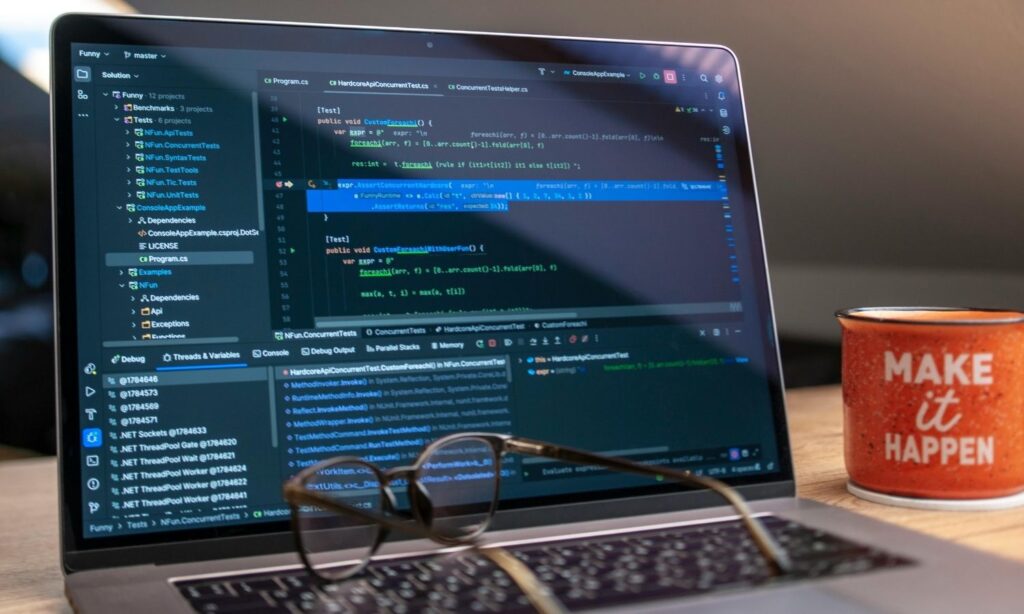
Corporate Software Inspection in Large Enterprises
Large enterprises manage thousands of applications across departments. Corporate software inspectors help maintain visibility and control at scale. They coordinate with IT, security, and compliance teams to reduce risks. Inspection ensures consistency across regions and business units. This structured approach supports growth without losing governance.
Industry Examples: Finance, Healthcare, Manufacturing
Industries with strict regulations benefit most from corporate software inspection. Financial institutions focus on compliance and data protection. Healthcare organizations protect patient data and system reliability. Manufacturing companies manage operational software and industrial systems. Inspectors tailor inspection strategies to meet industry-specific risks and requirements effectively.
Lessons Learned from Compliance Failures
Compliance failures often result from poor visibility and outdated processes. Corporate software inspectors learn from past incidents to strengthen controls. These lessons highlight the importance of continuous monitoring and clear ownership. Applying these insights helps organizations avoid repeating costly mistakes and improve long-term resilience.
Future of Corporate Software Inspection
AI and Automation in Software Inspection
Artificial intelligence is shaping the future of software inspection. AI helps corporate software inspectors predict risks, detect anomalies, and prioritize actions. Automation continues to improve speed and accuracy. These advancements allow inspectors to focus more on strategy and less on manual tasks, increasing overall effectiveness.
Cloud and SaaS Inspection Challenges
Cloud and SaaS tools introduce new inspection challenges. Software changes frequently, and usage is harder to track. Corporate software inspectors must adapt processes and tools for cloud visibility. Strong integration and real-time monitoring are essential. Addressing these challenges ensures compliance and security in modern environments.
Evolving Role of Software Inspectors in IT Strategy
Corporate software inspectors are becoming strategic partners in IT planning. Their insights guide technology investments and risk management decisions. As digital transformation accelerates, inspectors play a larger role in shaping secure and efficient systems. Their work supports long-term business success and innovation.
Conclusion
Final Thoughts on Corporate Software Inspectors
A corporate software inspector is essential for modern organizations managing complex software environments. They provide visibility, reduce risk, and support compliance. By combining tools, policies, and expertise, inspectors create order and accountability. Their role continues to grow as businesses rely more on digital systems.
Long-Term Value for Growing Organizations
Investing in corporate software inspection delivers long-term value. Organizations gain stronger security, better cost control, and audit confidence. As environments expand, inspection ensures stability and trust. For growing businesses, this proactive approach supports sustainable growth and smarter technology decisions.
Frequently Asked Questions (FAQs)

What is a corporate software inspector?
A corporate software inspector monitors and manages software usage to ensure compliance, security, and efficiency across an organization.
How often should corporate software inspection be done?
Inspection should be continuous, supported by regular audits and ongoing monitoring for best results.
Is corporate software inspection necessary for small businesses?
Yes. Even small businesses benefit from better visibility, cost control, and reduced security risks.
What skills are required for a corporate software inspector?
Strong knowledge of IT systems, compliance standards, security practices, and analytical skills is essential.
✨ Keep up to date with Our Latest Blog @ Tech Statar.





















![What Is IP2 Network? A Complete Guide [2025]](https://techstatar.com/wp-content/uploads/2025/12/ChatGPT-Image-Aug-24-2025-03_16_17-AM-1024x683.webp "Latest Trends")