
What Is Clideo?
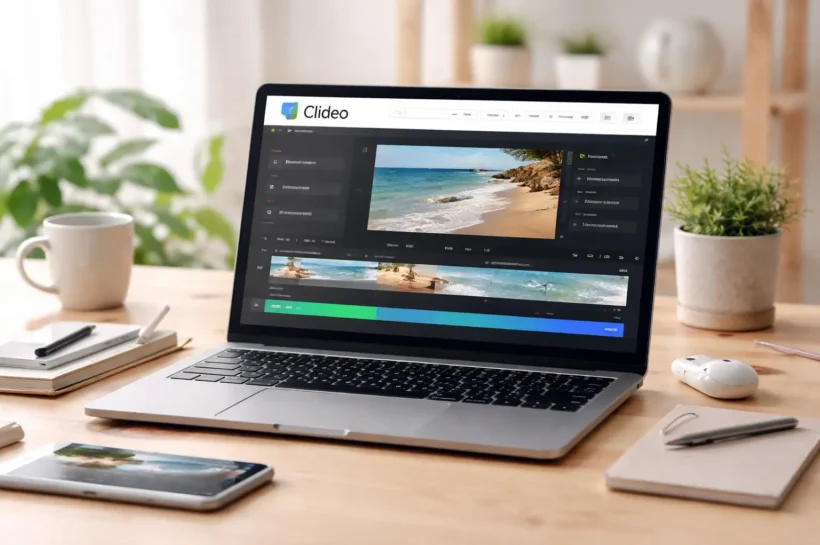
Clideo is a browser-based video editing platform designed for people who want fast results without installing heavy software. It works entirely online, which means you can edit, convert, compress, or enhance videos from any device with an internet connection. Unlike complex professional editors, Clideo focuses on simplicity and speed. The interface is clean, tools are clearly labeled, and the learning curve is minimal. Whether you’re resizing a clip for Instagram, trimming a YouTube intro, or adding subtitles for TikTok, Clideo makes the process straightforward and accessible.
Overview of Clideo Online Video Editor
Clideo is a cloud-powered video editor that runs directly in your web browser. There is no software download, no system compatibility issues, and no advanced setup required. You upload your file, choose a tool, make edits, and export. It supports multiple formats and offers individual tools such as a merger, compressor, cutter, and subtitle generator.
Who Should Use Clideo?
Clideo is ideal for content creators who need quick edits without advanced production workflows. Social media managers, small business owners, YouTubers, freelancers, and students benefit the most. It’s especially helpful for short-form video creators who need resizing, captions, and fast exports without having to learn professional editing software.
Key Features of Clideo
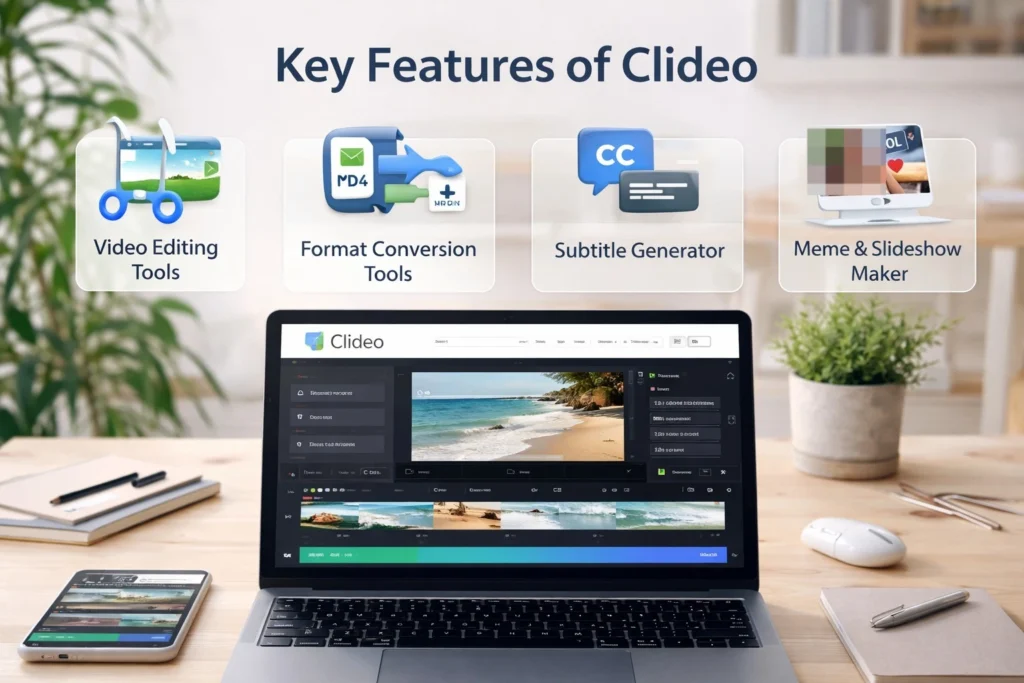
Clideo focuses on practical tools that solve common video problems. Instead of overwhelming users with complex timelines and layers, it provides dedicated tools for specific tasks like cutting, merging, resizing, compressing, and adding subtitles. Each tool is optimized for speed and ease of use. The platform supports multiple file formats and allows users to edit videos directly in the browser. For creators who prioritize efficiency over cinematic control, these focused tools make content production smoother and less technical, especially for social media and marketing content.
Video Editing Tools
Clideo offers trimming, cutting, merging, cropping, rotating, and resizing features. Users can add background music, insert text overlays, and adjust aspect ratios for platforms like YouTube, Instagram, or TikTok. The editing process is simple and guided, making it beginner-friendly without sacrificing essential functionality.
Format Conversion Tools
The platform includes an online video converter that supports formats like MP4, MOV, AVI, and more. This is helpful when dealing with compatibility issues across devices or platforms. Instead of downloading separate converter software, users can quickly change file formats within the same browser-based environment.
Subtitle Generator
Clideo provides automatic subtitle generation along with manual editing controls. You can customize font design, size of elements, color scheme, and positioning. Subtitles can be exported as hardcoded captions within the video or downloaded separately as SRT files, making it useful for accessibility and multilingual content.
Meme & Slideshow Maker
The meme maker allows users to add captions to short clips quickly. The slideshow tool converts images into engaging video sequences with transitions and background music. These tools are especially useful for marketers and creators who want quick, shareable content without complicated editing steps.
Compression & Optimization
Clideo includes a video compression tool that reduces file size without significant quality loss. This is useful for uploading large videos to websites, email, or social platforms with size limits. It helps improve upload speed while maintaining acceptable visual clarity.
👉 You might also like: Wepbound Explained: Secure, Fast & Decentralized Web Solutions
Clideo Pricing Plans
Clideo offers a simple pricing structure with both free and paid options. The free version allows users to access most tools but includes a watermark on exported videos. File size limits and certain advanced controls may also apply. The Pro plan removes watermarks, increases flexibility, and unlocks unlimited exports. Pricing is subscription-based, making it accessible for individuals and small teams. Compared to full-scale editing software, Clideo is significantly more affordable, especially for users who only need quick edits and online convenience rather than cinematic production capabilities.
Free Plan
The free version gives access to most editing tools but adds a watermark to exported videos. It’s suitable for testing features or occasional use. However, serious creators may find the watermark and limitations restrictive for professional publishing.
Clideo Pro Plan
The Pro plan removes watermarks and allows unlimited exports. It’s designed for regular content creators and businesses that publish frequently. The subscription is cost-effective compared to professional editing software and ideal for users focused on speed and simplicity.
Is Clideo Worth the Price?
For creators who need fast, browser-based editing without advanced production tools, Clideo offers solid value. It’s not meant to replace professional video suites, but for social media marketing, short-form content, and quick edits, the pricing feels reasonable and practical.
How to Use Clideo (Step-by-Step Guide)
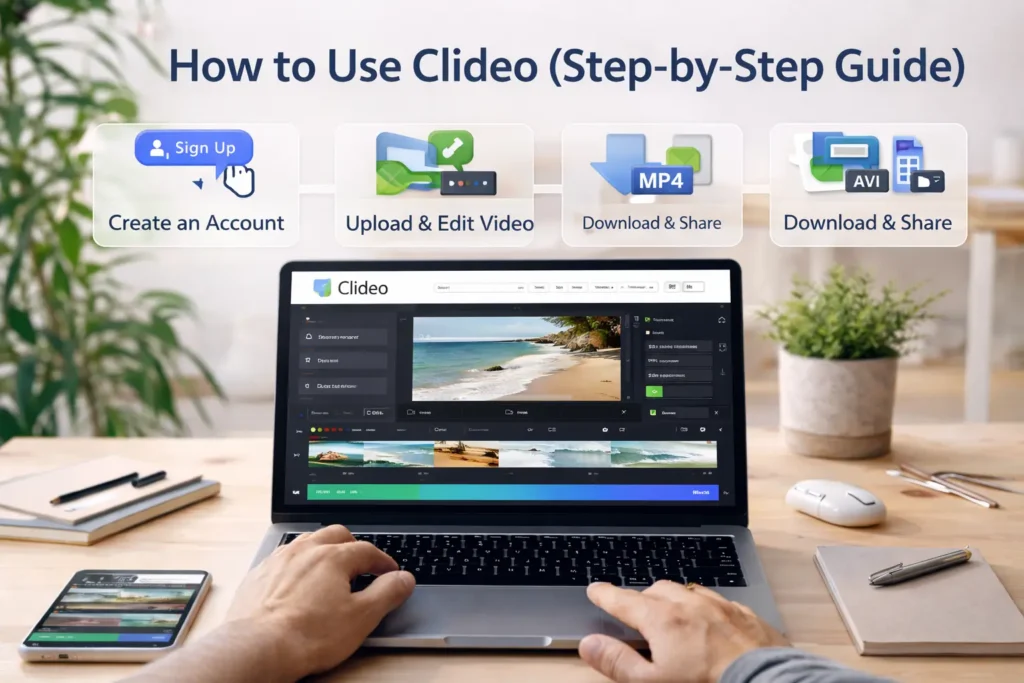
Getting started with Clideo is simple, even if you have never edited a video before. The platform is built around individual tools, so you choose exactly what you need instead of navigating a complex timeline. Everything works inside your browser, which keeps the process lightweight and fast. From uploading a file to exporting the final version, the workflow is structured and intuitive. This makes it especially useful for creators who want quick edits for social media, marketing campaigns, tutorials, or client projects without technical distractions.
Creating an Account
You can start using Clideo without a complicated registration process. Simply visit the website, choose a tool, and upload your file. Creating an account unlocks better file management and access to Pro features. The signup process is very simple and only takes a few time to done.
Uploading and Editing a Video
After selecting a tool, upload your video from your device or cloud storage. The editor loads quickly and displays simple controls for trimming, resizing, adding text, or inserting music. Changes are previewed in real time, which helps you adjust settings before exporting.
Downloading and Sharing
Once editing is complete, click export and choose your preferred format. The file is processed in the cloud and made available for download. You can then upload it directly to platforms like YouTube, Instagram, or TikTok for immediate publishing.
Pros and Cons of Clideo
Every video editor has strengths and limitations, and Clideo is no exception. Its biggest advantage is simplicity. It removes the technical barrier that often discourages beginners from editing videos. The interface is clean, and the tools are task-focused, which makes editing efficient. However, it is not designed for advanced cinematic production or complex timeline editing. Internet dependency is another consideration, since all processing happens online. Understanding these tradeoffs helps you decide whether Clideo fits your workflow or if you need a more advanced solution.
Pros
Clideo is beginner-friendly and requires no installation. It works across devices and supports multiple file formats. The interface is clean, and the tools are clearly organized. Processing speed is generally fast, making it ideal for quick edits and social media content creation.
Cons
The free version adds a watermark, which may not suit professional use. Advanced editing features like multi-layer timelines and detailed color grading are limited. Since it operates online, a stable internet connection is required for uploading and exporting videos.
👉 You might also like: Mynced – Understanding the New Digital Platform in 2026
Clideo vs Competitors
When comparing Clideo to other video editing platforms, the main difference comes down to simplicity versus depth. Clideo focuses on quick, single-task editing tools, while competitors may offer template libraries, collaborative features, or professional-grade timelines. Pricing also varies depending on feature sets and export limitations. For users who prioritize speed and ease of use, Clideo stands out. For those needing advanced animation, layered editing, or cinematic effects, alternative platforms may offer more flexibility depending on content goals and production needs.
Clideo vs Kapwing
Kapwing offers collaborative editing and a more advanced timeline interface. It is suitable for teams and content studios. Clideo, on the other hand, focuses on simplicity and individual tools. If you need quick edits, Clideo feels lighter and easier to manage.
Clideo vs Canva Video Editor
Canva provides extensive templates and strong design integration. It works well for branded social media graphics combined with video. Clideo is more straightforward and task-driven, making it better for users who want quick video edits without navigating design-heavy dashboards.
Clideo vs Adobe Premiere Pro
Adobe Premiere Pro is built for professional filmmakers and advanced editors. It offers multi-layer editing, color grading, and detailed control. Clideo cannot compete at that level, but it is far easier to use for beginners and casual content creators.
Best Alternatives to Clideo
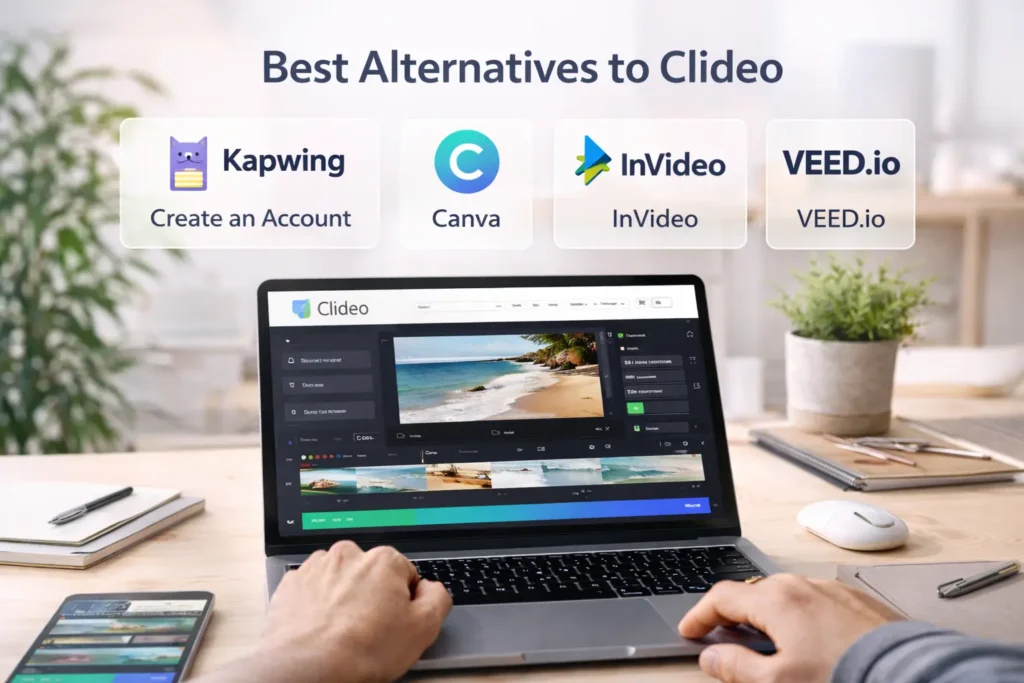
While Clideo is excellent for quick edits, it may not suit everyone. Some creators need advanced collaboration, detailed timelines, animation controls, or template libraries for branded content. That is where alternatives come into play. The right platform depends on your workflow, skill level, and content goals. If you produce short social videos daily, a lightweight browser editor might be enough. If you handle client campaigns or YouTube production at scale, you may prefer something more advanced. Exploring alternatives helps you choose a tool that aligns with your editing style and long-term content strategy.
Kapwing
Kapwing is a strong browser-based editor with collaborative features. Teams can edit projects together, making it ideal for agencies and marketing departments. It also includes templates and a timeline editor, offering more flexibility than Clideo for structured content workflows.
Canva
Canva combines video editing with graphic design tools, making it perfect for branded social media content. It offers templates, brand kits, and drag-and-drop simplicity. If your focus is visual consistency and marketing design, Canva may feel more complete.
InVideo
InVideo is built around ready-made templates and automated workflows. It works well for promotional videos, ads, and YouTube intros. Compared to Clideo, it provides more structured creative guidance, especially for users who want pre-designed layouts.
VEED.io
VEED.io is popular for subtitle generation and social media optimization. It offers automatic captions, branding options, and timeline editing. For creators who prioritize accessibility and caption-heavy content, it can be a strong alternative.
👉 You might also like: Top Free AI Tools for College Students to Boost Learning
Is Clideo Safe to Use?
Security is a common concern with online editing tools because videos are uploaded to cloud servers. Clideo uses encrypted connections to protect uploaded files during transfer. Since everything is processed online, users do not install any software, which reduces device-based risks. However, as with any cloud platform, sensitive or confidential content should be handled carefully. Reviewing privacy policies and understanding how long files remain stored can provide additional peace of mind. For general content creation, Clideo maintains reasonable safety standards for everyday users.
Data Security
Clideo processes files through secure cloud infrastructure and encrypted connections. This helps protect video data during uploads and downloads. For most personal and marketing projects, the level of security provided is sufficient for standard online usage.
File Storage and Deletion Policy
Uploaded files are stored temporarily for processing. Users can manually delete files after editing. It is always recommended to review the platform’s privacy terms to understand storage duration and data handling practices.
Common Issues and Troubleshooting
Even simple online editors can occasionally present technical issues. Upload failures, slow exports, or format compatibility problems may occur depending on file size and internet speed. Most issues are temporary and related to browser performance or unstable connections. Clearing cache, switching browsers, or compressing large files often resolves problems. Because Clideo is cloud-based, processing speed can also depend on server load. Understanding these practical limitations helps users avoid frustration and maintain a smoother editing workflow during content production.
Export Errors
Export issues usually occur due to unstable internet connections or unsupported file formats. Refreshing the page or re-uploading the file typically resolves the problem. Ensuring the browser is updated can also improve export reliability.
Upload Problems
Large files may take longer to upload, especially on slower connections. Compressing the video before uploading can help. Switching to a different browser or clearing the cache often fixes unexpected upload interruptions.
Slow Processing
Cloud-based editing depends on internet speed and server performance. If processing feels slow, check your connection stability. Reducing file size or closing other browser tabs can also improve overall performance.
Clideo for SEO and Content Marketing

Video plays a major role in modern SEO and digital marketing strategies. Clideo helps creators repurpose long-form content into short, optimized clips for social media and search visibility. Resizing videos for different platforms improves distribution reach. Adding subtitles increases accessibility and watch time, which supports engagement metrics. Marketers can quickly convert webinars, podcasts, or blog highlights into promotional snippets. While it is not an advanced production suite, Clideo offers enough flexibility for consistent content publishing and efficient video repurposing across marketing channels.
Using Clideo for Social Media Marketing
Clideo allows creators to resize videos for Instagram, TikTok, YouTube Shorts, and Facebook. Adding captions and trimming unnecessary sections improves retention. This makes it useful for brands looking to publish frequent, platform-optimized content.
Optimizing Videos for YouTube and TikTok
Creators can adjust aspect ratios, compress files for faster uploads, and add subtitles for better engagement. These small optimizations improve watch time and audience retention, both of which influence visibility on major video platforms.
Repurposing Content Efficiently
Long webinars, interviews, or podcasts can be trimmed into short highlight clips. This allows marketers to extend content lifespan and increase distribution without creating entirely new videos from scratch.
Conclusion
Clideo stands out for simplicity, speed, and accessibility. It removes the technical barriers of traditional video editing software and makes content creation approachable for beginners and marketers. While it lacks advanced cinematic features, it excels at quick edits, resizing, compression, and subtitle generation. If your goal is consistent social media publishing or lightweight marketing videos, Clideo is a practical choice. For complex production workflows, a more advanced editor may be better suited. Ultimately, it depends on your content needs and how much creative control you require.
Frequently Asked Questions About Clideo
Is Clideo completely free to use?
Clideo offers a free version that gives access to most of its core tools. However, videos exported under the free plan include a watermark. For personal testing or occasional edits, the free plan works fine. If you create content regularly or publish professionally, upgrading to the Pro plan removes watermarks and unlocks unlimited exports.
Does Clideo reduce video quality?
Clideo maintains good output quality for standard edits like trimming, resizing, or adding subtitles. However, compression settings and export choices can affect final resolution. To avoid noticeable quality loss, select higher resolution options during export and avoid compressing the same file multiple times.
What video formats does Clideo support?
Clideo supports popular video formats, including MP4, MOV, AVI, WMV, and others. This makes it compatible with most smartphones, cameras, and screen recording tools. The built-in converter also allows users to change formats easily when facing compatibility issues.
Can I use Clideo on mobile devices?
Yes, Clideo works directly in your browser, so it can be used on smartphones and tablets. Since no software installation is required, you can edit videos on Android, iPhone, or desktop devices as long as you have a stable internet connection.
Is Clideo safe for uploading videos?
Clideo uses secure connections to process uploaded files. Videos are stored temporarily for editing and exporting purposes. For general content creation, it is considered safe. Still, it is recommended to avoid uploading highly sensitive or confidential files to any online editor.
Is Clideo good for YouTube content creators?
Clideo works well for basic YouTube edits such as trimming intros, resizing thumbnails, adding subtitles, or compressing files. However, advanced creators who need multi-layer editing, color grading, and professional transitions may prefer dedicated software like Adobe Premiere Pro.
How does Clideo compare to Kapwing or Canva?
Compared to Kapwing and Canva, Clideo is more task-focused and minimal. Kapwing offers collaboration tools, while Canva provides design templates and branding features. Clideo is better suited for quick, straightforward video edits without extra complexity.
Do I need to download Clideo Software?
No, Clideo runs entirely online. You simply upload your video, edit it using the available tools, and download the final version. There is no need to install heavy software or worry about system compatibility issues.
✨ Let’s keep your learning streak alive. Follow Tech Statar.