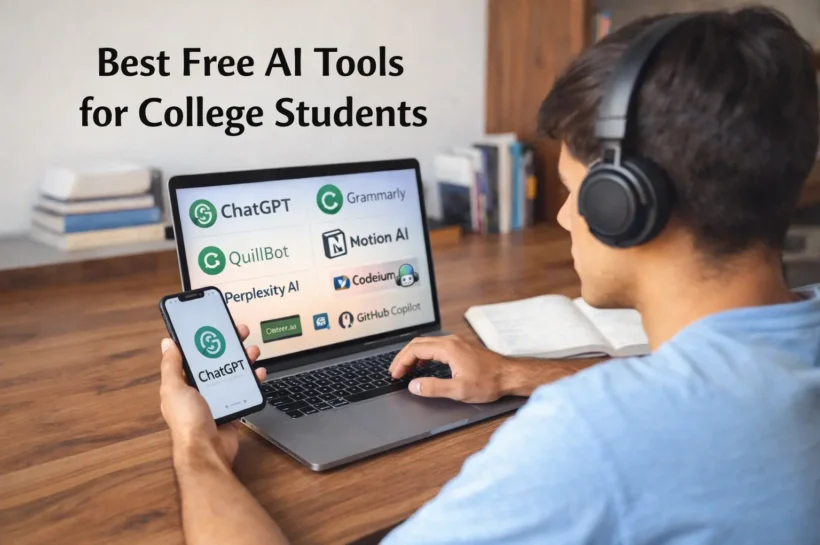

Artificial Intelligence is rapidly transforming the way students learn, research, and complete academic work. Today, many AI tools for college students are available for free, helping learners save time, improve productivity, and enhance the quality of their assignments. Whether you’re writing essays, coding projects, or preparing presentations, free AI tools can give you a competitive academic edge without adding financial pressure.
Why Free AI Tools Are Essential for College Students?
College students juggle lectures, projects, exams, and internships simultaneously. Free AI tools reduce cognitive load by automating repetitive tasks such as proofreading, summarizing research papers, debugging code, and designing presentations. When used responsibly, these tools enhance learning rather than replace critical thinking.
Many of the same platforms also double as AI tools for educators for free, helping teachers generate lesson plans, assessments, and feedback, creating a more efficient academic ecosystem.
Best Free AI Tools for College Students
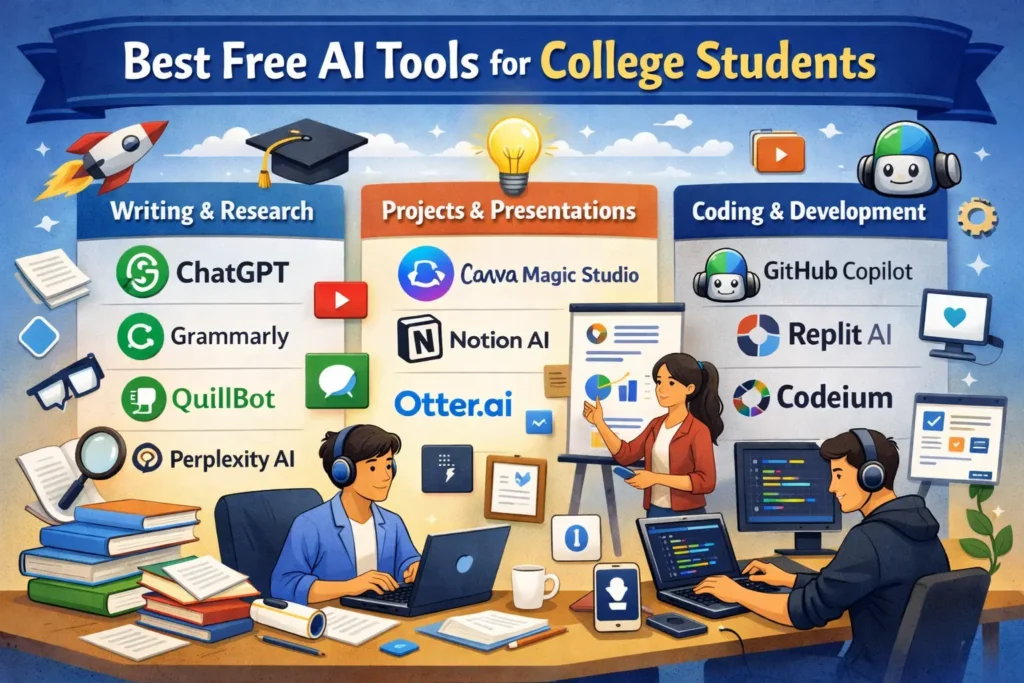
Here are some widely used and trusted free AI tools categorized by student needs:
1. AI Tools for Writing & Research
- ChatGPT (Free Tier): Ideal for brainstorming ideas, explaining complex topics, summarizing articles, and drafting outlines.
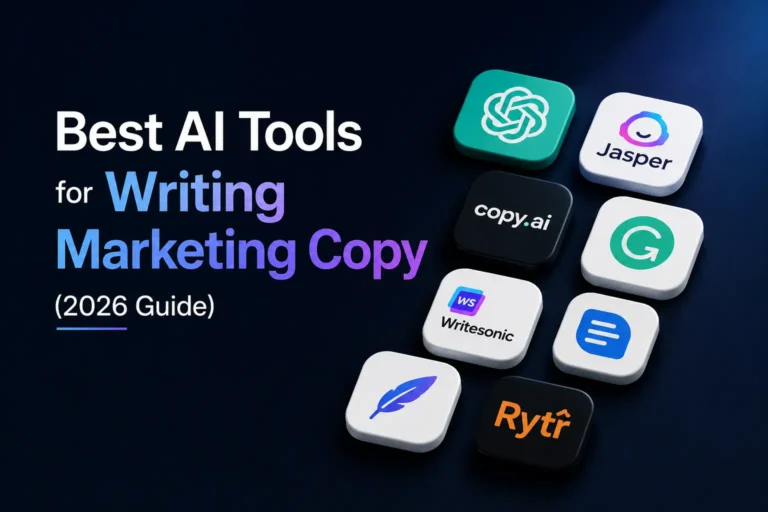
- Grammarly (Free Version): Improves grammar, clarity, and academic tone in essays and reports.
- QuillBot (Free Plan): Useful for paraphrasing and summarizing research material without changing meaning.
- Perplexity AI: A research-focused AI that provides source-backed answers, making it excellent for academic credibility.
These tools are frequently used by both students and educators, qualifying as reliable AI tools for educators as well.
2. AI Tools for College Projects & Presentations
- Canva Magic Studio (Free): Generates AI-powered presentations, infographics, and visuals for college submissions.
- Notion AI (Limited Free Access): Helps organize project notes, generate summaries, and manage group work.
- Otter.ai (Free Plan): Records and transcribes lectures or group discussions for easy revision.
Such AI tools for college projects help students focus more on innovation and less on formatting or manual documentation.
3. AI Tools for Software Development Students
- GitHub Copilot (Free for Students): Assists with real-time code suggestions and explanations.
- Replit AI (Free Tier): Enables students to write, test, and debug code directly in the browser.
- Codeium: A completely free AI coding assistant that supports multiple programming languages.
These AI tools for software development help students understand logic, reduce errors, and improve documentation skills essential for tech careers.
How Free AI Tools Help College Students Work Smarter?
Free AI tools help students work more efficiently and focus on learning, whether it’s brainstorming ideas, improving writing, managing projects, or coding. For students exploring coding beyond assignments, understanding AI in web development can provide insights into how AI enhances website functionality, user experiences, and modern web technologies. By automating repetitive tasks, students can dedicate more time to critical thinking, creativity, and understanding concepts.
While AI boosts productivity, ethical usage is essential. These tools should serve as learning assistants, not shortcuts. Most universities allow AI for ideation, grammar checks, and study support, but maintaining originality and transparency remains crucial.
Final Thoughts
These AI tools for College Students are reshaping education by making learning smarter, faster, and more accessible. Whether you’re researching, coding, designing, or writing, the right AI tools can elevate your academic performance and prepare you for an AI-driven future without spending money.
✨ Keep up to date with Our Latest Blog @ Tech Statar.